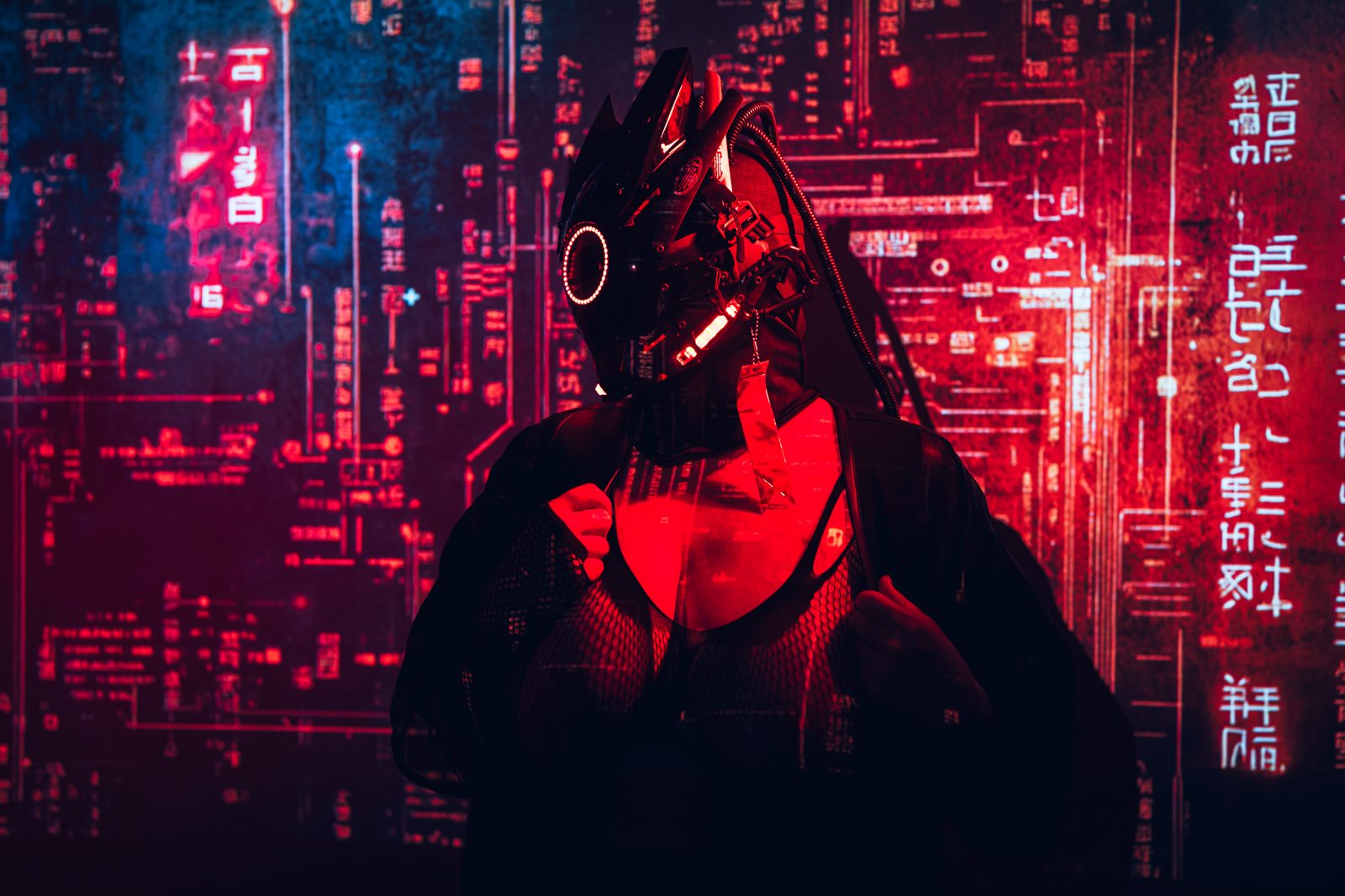
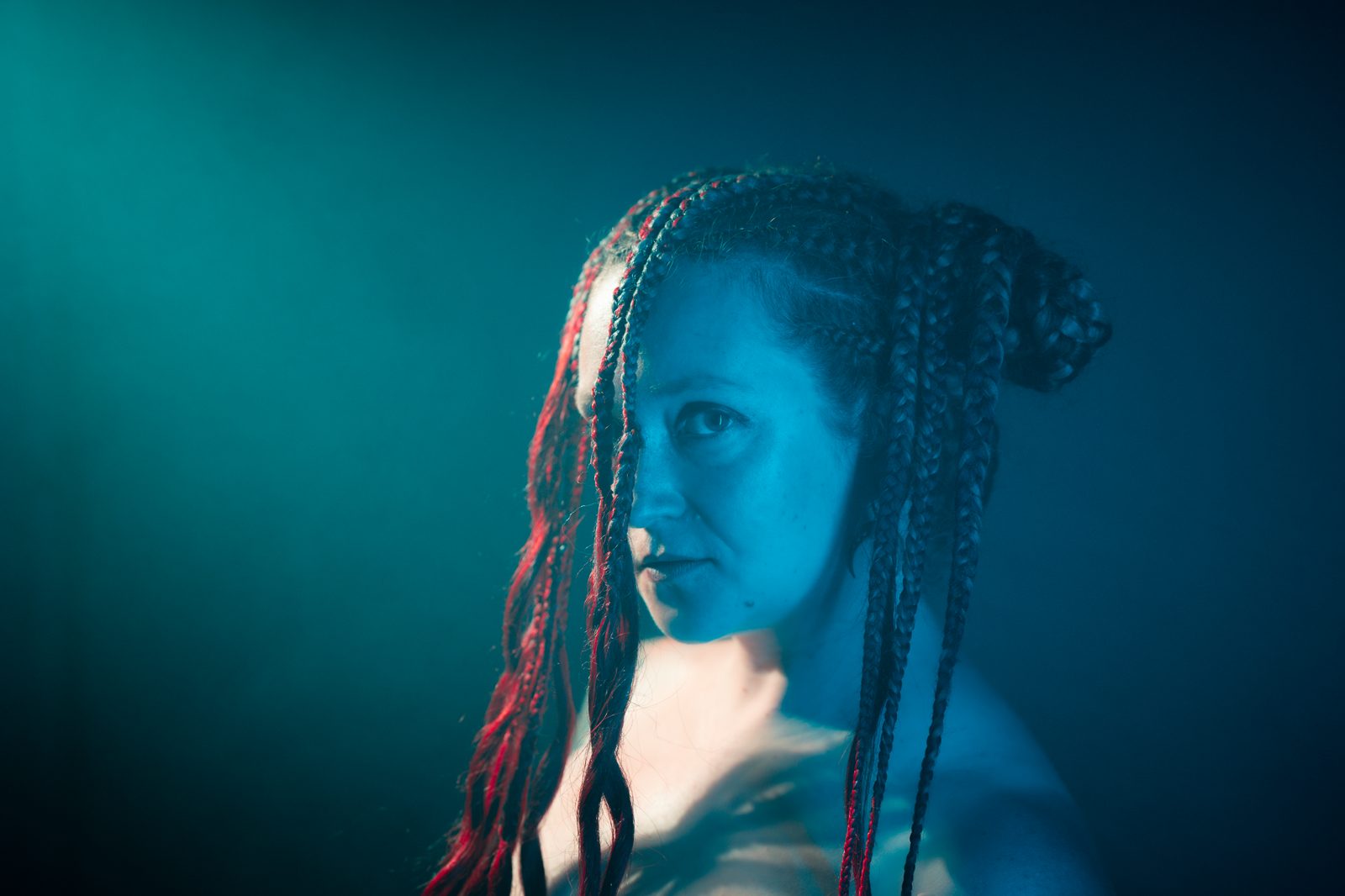
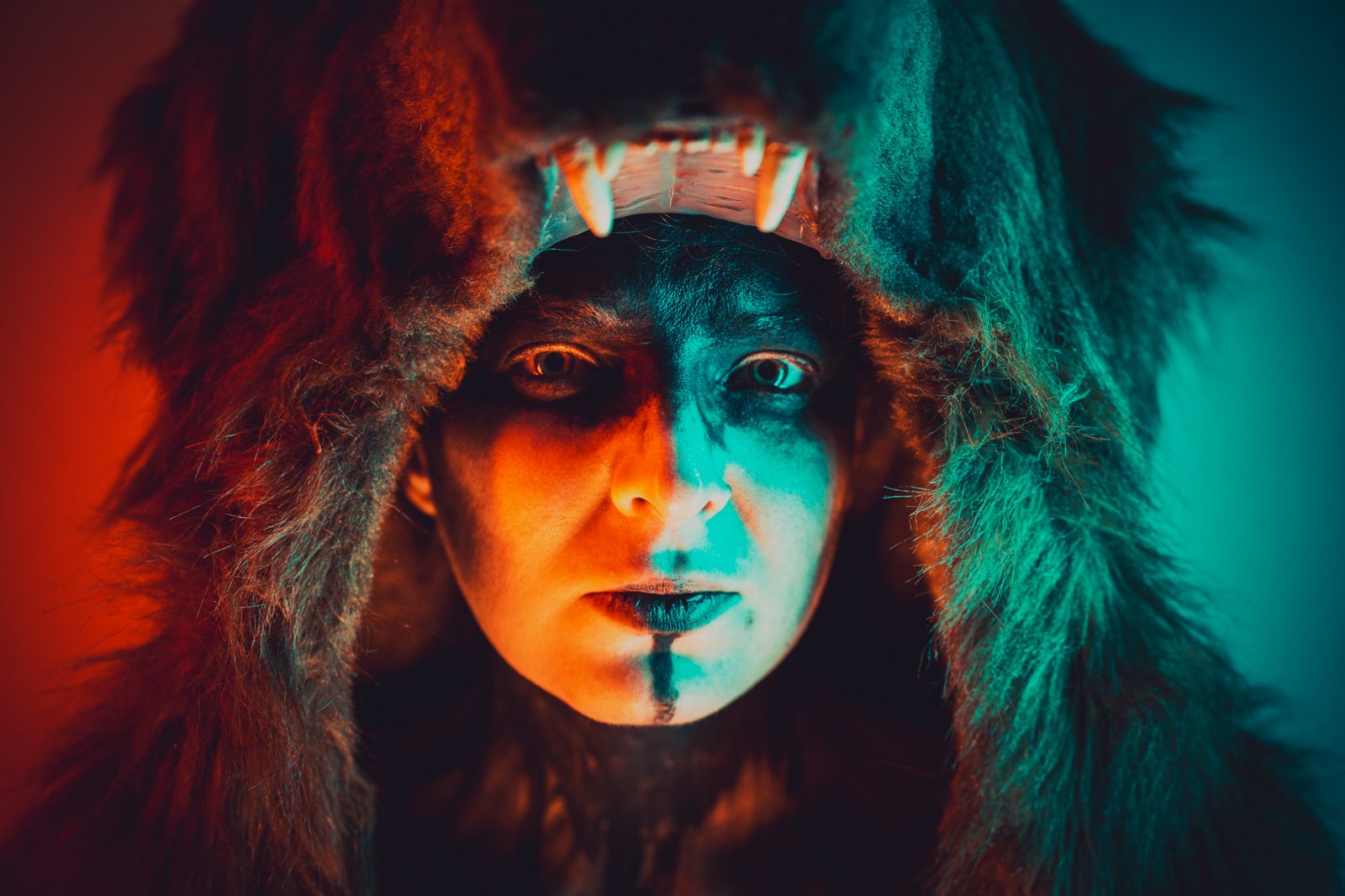
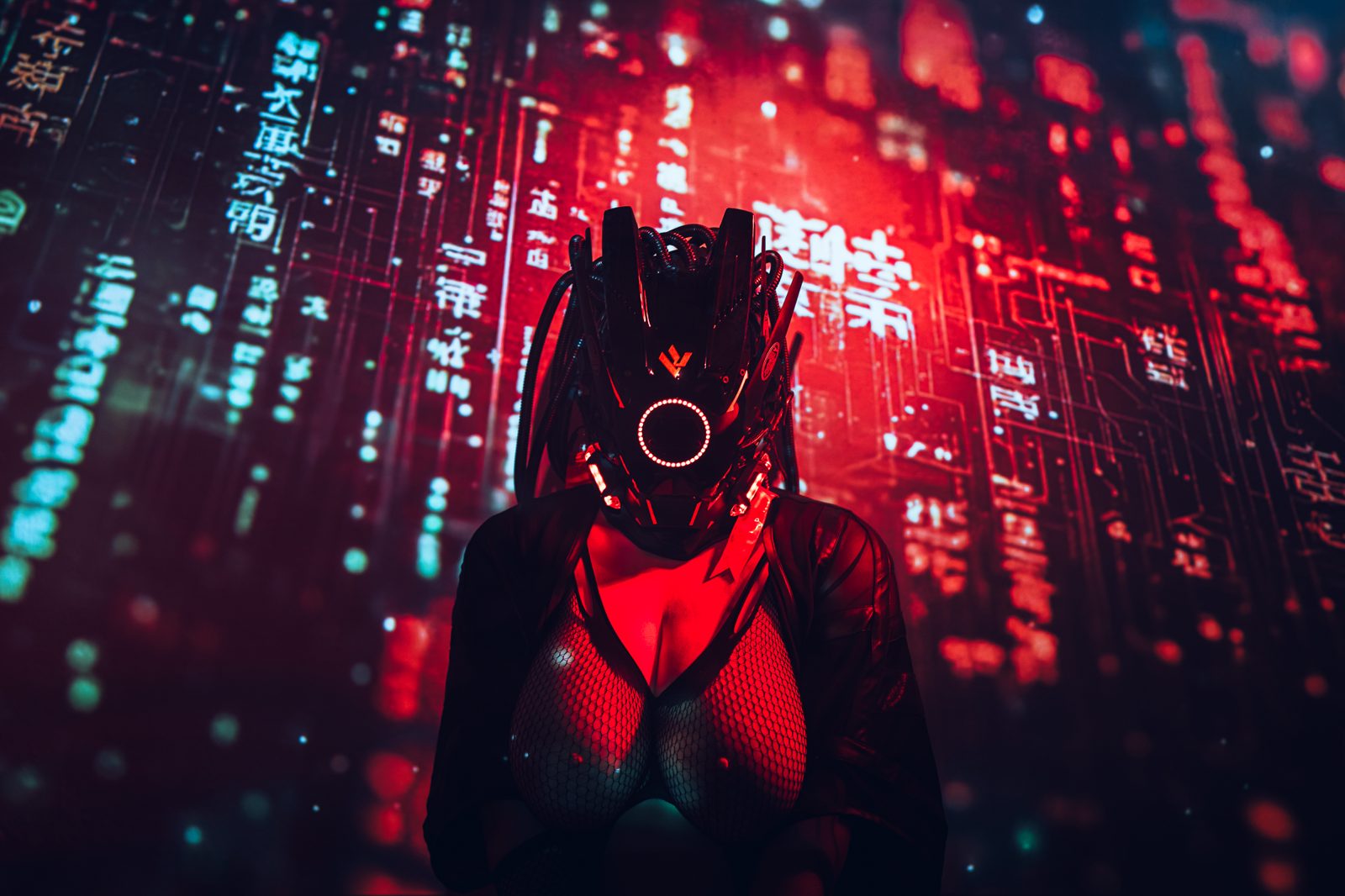
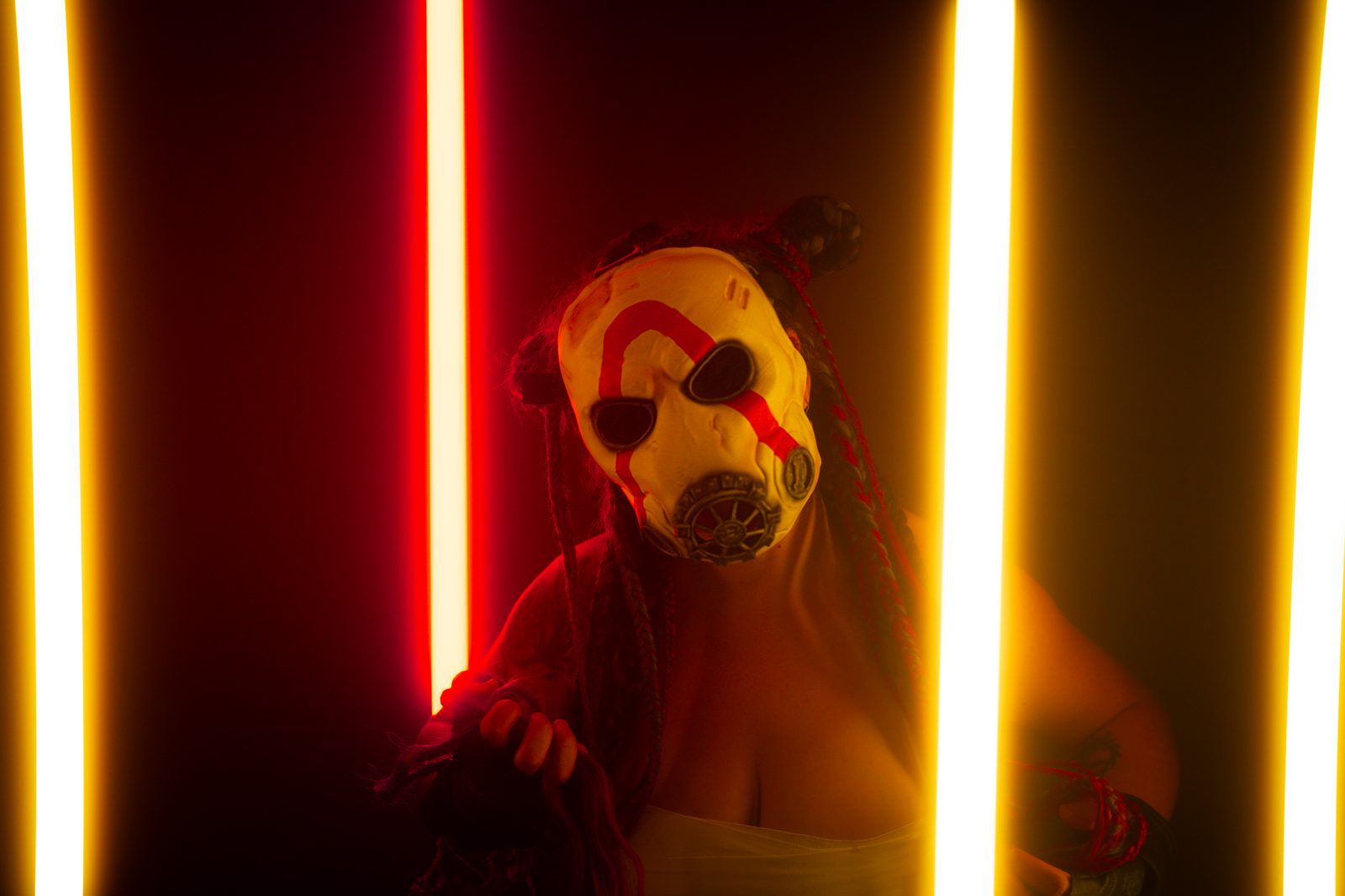
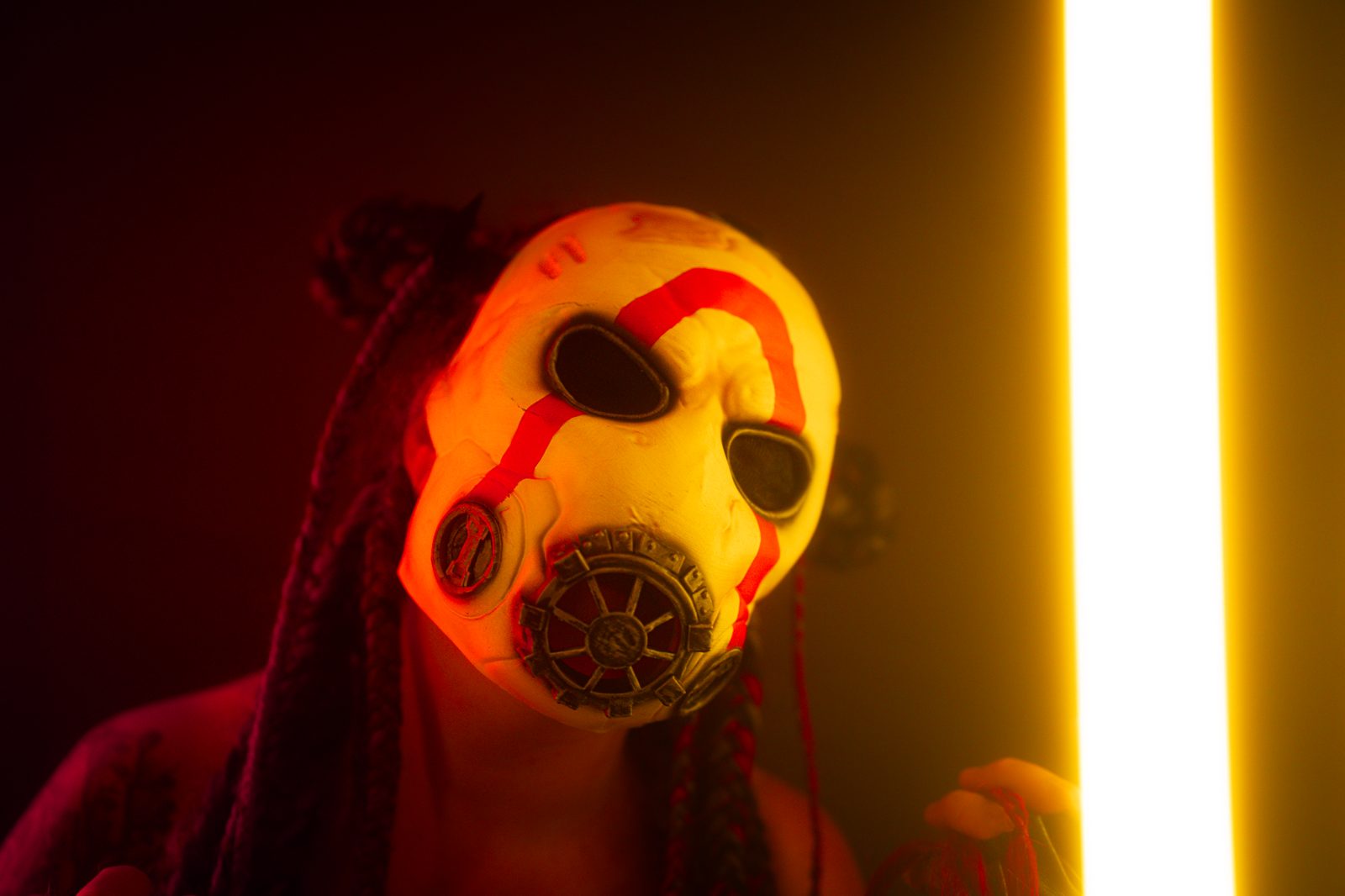
Moodboards for photographers

The photoshoot
moodboard your
models actually open.

Gather lighting refs, poses, wardrobe and color grading on one board — then share a single link. Your model, MUA, stylist and client view it and add their own ideas with no account, no app, no sign-up. The link just works.

Free plan  ·  200 MB  ·  No credit card

Portrait photoshoot reference on a Cobalt moodboard
Studio portrait lighting reference
Editorial portrait pose reference
Live
01 — The share link

No login wall between you and your shoot

Models, MUAs and clients don't run SaaS accounts and they shouldn't have to. Send one link; they open it on their phone and see exactly the look you are going for — and add posing ideas or wardrobe options of their own, instantly.

02 — Build it with AI

Describe the shoot, let Claude build the board

Cobalt connects to Claude over MCP. Tell it the mood, the lighting style, the references you want, and Claude creates the board, sorts columns by look, pulls reference images, and writes lighting notes — from a single message.
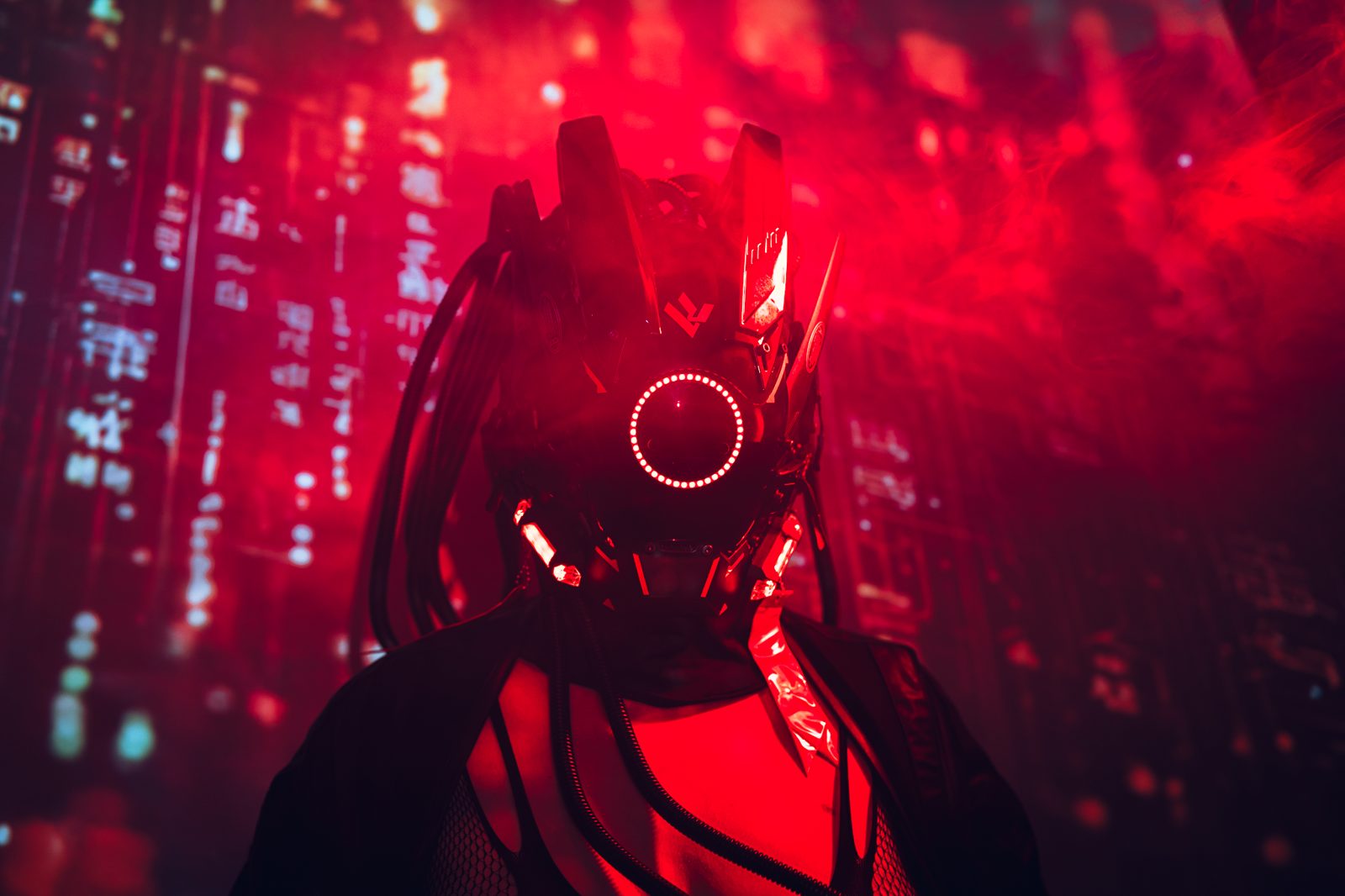

No-account sharing

Share the moodboard.
Nobody signs up.

This is the part that changes how a shoot comes together. Copy the share link, drop it in a DM or email, and everyone — model, MUA, stylist, the client paying for the shoot — opens it in a browser and starts contributing. No passwords, no installs, no "create an account first" wall killing the momentum.

One link, any device

Copy a link, paste it in a message. Your model opens it on the bus to the studio; the client opens it on their laptop. Same board, no onboarding, nothing to download.

Private when you need it

Put a password on a client board and add a custom welcome message. Still no account required to open it — just the password you choose. Keep an unpublished campaign locked down.

Refs land in real time

When your model adds a pose they love, or the MUA drops a look reference, it appears on your canvas live. The brief refines itself in the days before the shoot.


The workflow

From idea to call sheet,
on one board.

Cobalt maps to how a shoot actually comes together — messy at first, then sharp. Build the brief, pull in the crew, lock the look.

1

Build the visual brief

Start a board and lay out columns: lighting, posing, wardrobe, location, color grade. Drag in references, paste image URLs, write notes on the gear and setups you want.

2

Share one link with the crew

Send the link to your model, MUA, stylist and client. They open it with no account and contribute their own references — so everyone shows up aligned on the same vision.

3

Shoot, then archive

Keep a searchable library of every shoot board — organized by client, style or palette. Full-text search pulls up the exact reference set when the next booking lands.


AI-native · MCP integration

Connect Claude
to your moodboards.

Cobalt exposes an MCP server — the open protocol Claude uses to work with external tools. Add your token in Settings, or connect via OAuth on claude.ai, and Claude can build, populate and reorganize your boards by chat.

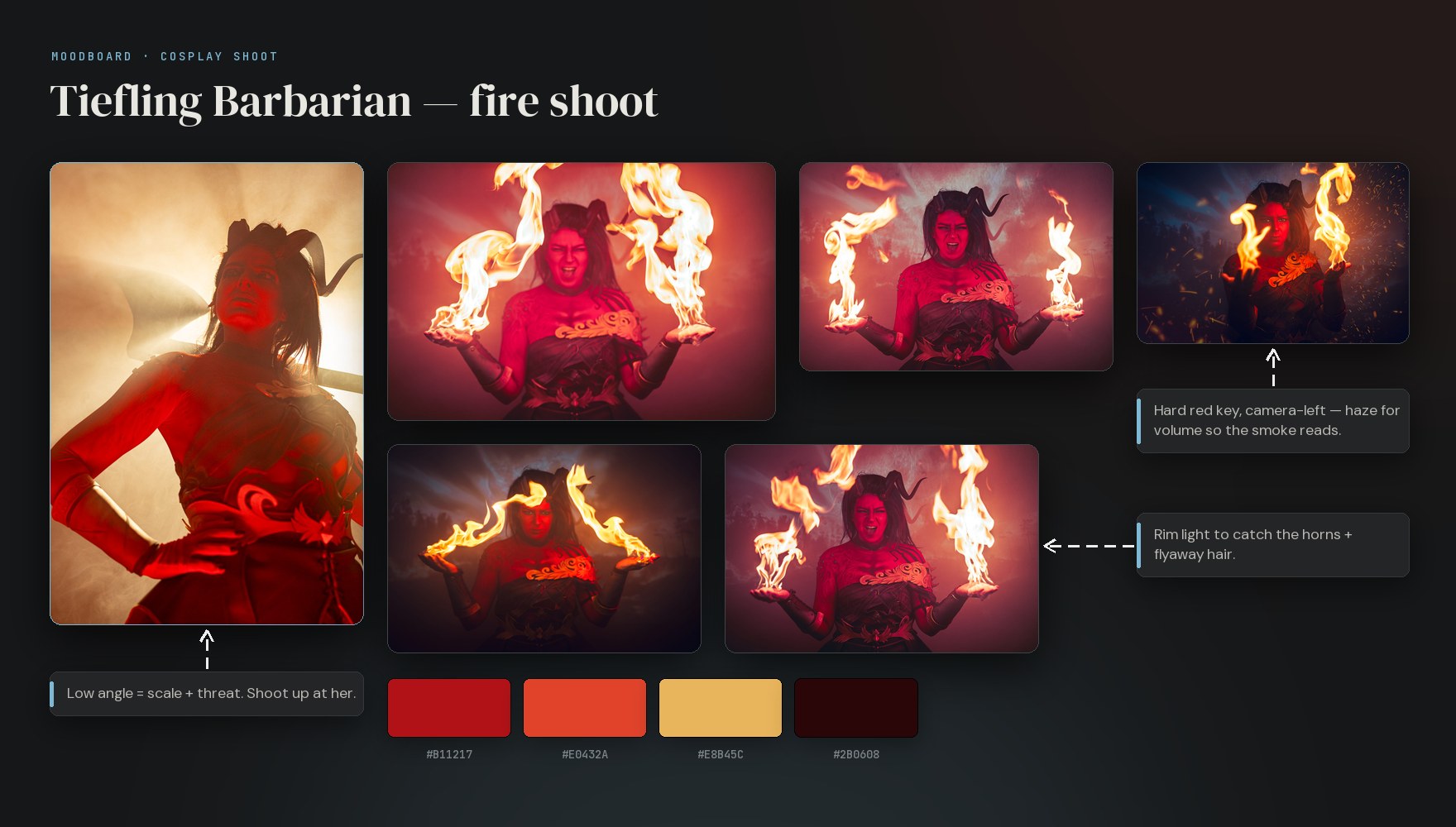
A photoshoot moodboard built in Cobalt — reference photos, lighting notes, connector arrows and a colour palette, generated from a single chat with Claude

Describe the shoot.
Get a finished board.

Tell Claude: "Build a moodboard for a moody studio portrait shoot — three looks, eight reference images, a lighting note per look." It creates the board, organizes the columns, pulls reference images from the web, and writes the notes. Then you share the link.

It works with all your boards: search across your whole library, create boards and columns, add notes, links and images up to 25 MB, and move or rename cards — all from a single conversation.

create_board create_column add_image create_element search move_element

Questions

Photographer FAQ.

No. Anyone with the share link opens the board in any browser and can view it — and contribute, if you allow it — without an account, a sign-in, or an app install. Only you, the board owner, need a Cobalt account.
Yes. With contribute mode on, anyone holding the link can drop in images, paste reference URLs, and add notes — straight from their phone. It is ideal for models adding posing ideas or an MUA dropping in look references before the shoot.
Yes. On paid plans you can put a password on a share link and add a custom welcome message, so a client board stays private while still needing no account to open.
Cobalt exposes an MCP server, so you can connect Claude to your boards. Describe the shoot — the mood, the lighting, the looks — and Claude can create the board, organize columns, pull reference images from the web, and write lighting notes from a single message.
Images and files, notes, links, headings, to-dos and color swatches, arranged freely on a canvas or in columns. Photographers typically build columns for lighting, posing, wardrobe, location and color grading. Images up to 25 MB each.
Cobalt is a fully hosted service at cobalt.photos — nothing to install or maintain. We handle uptime, backups and updates. The app is invite-only right now; request access and sign in at app.cobalt.photos.

Free to start · cobalt.photos

Give the shoot
a proper brief.

Build your first photoshoot moodboard, then share it with your whole crew — no sign-up required on their end. Cobalt is invite-only today; request access to get started.