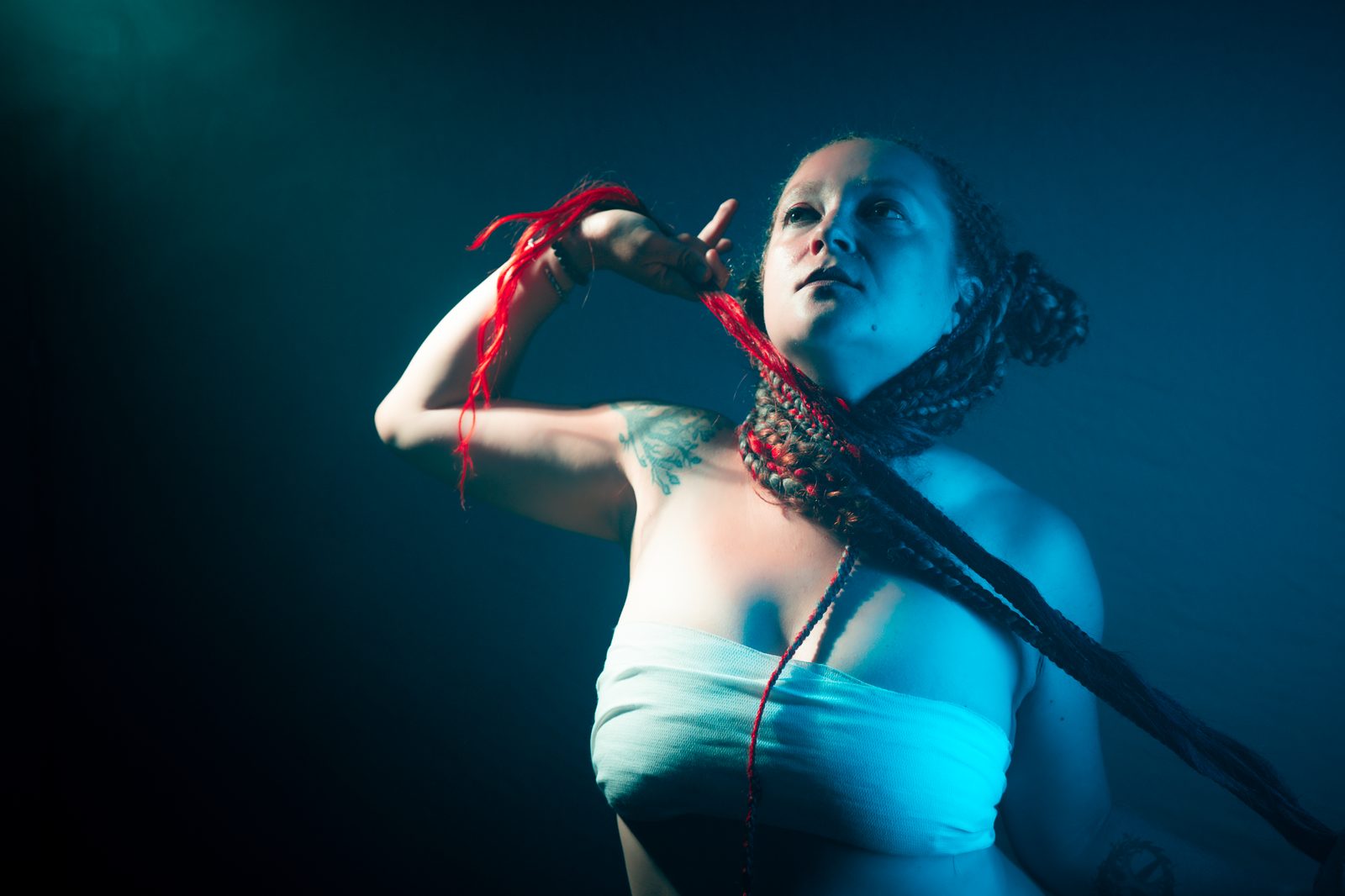
Visual moodboards · cobalt.photos

The whole
cosplay shoot
on one board.

Cosplay moodboards for working photographers. Gather lighting refs, armor detail, FX makeup and gel tests in one place — then share a single link with your cosplayer, MUA and stylist. No account or install on their side.

Invite-only  ·  Free plan  ·  200 MB

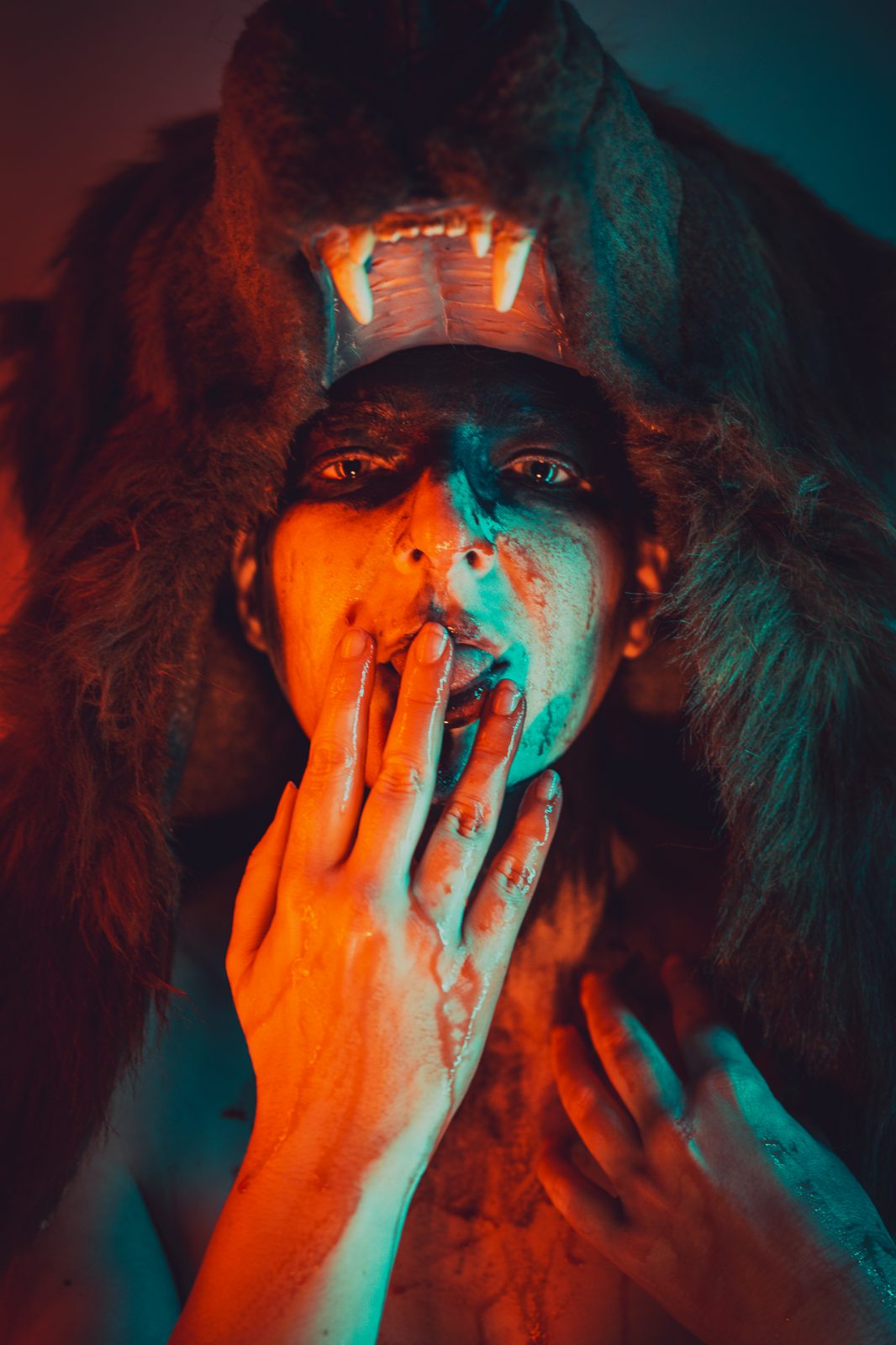
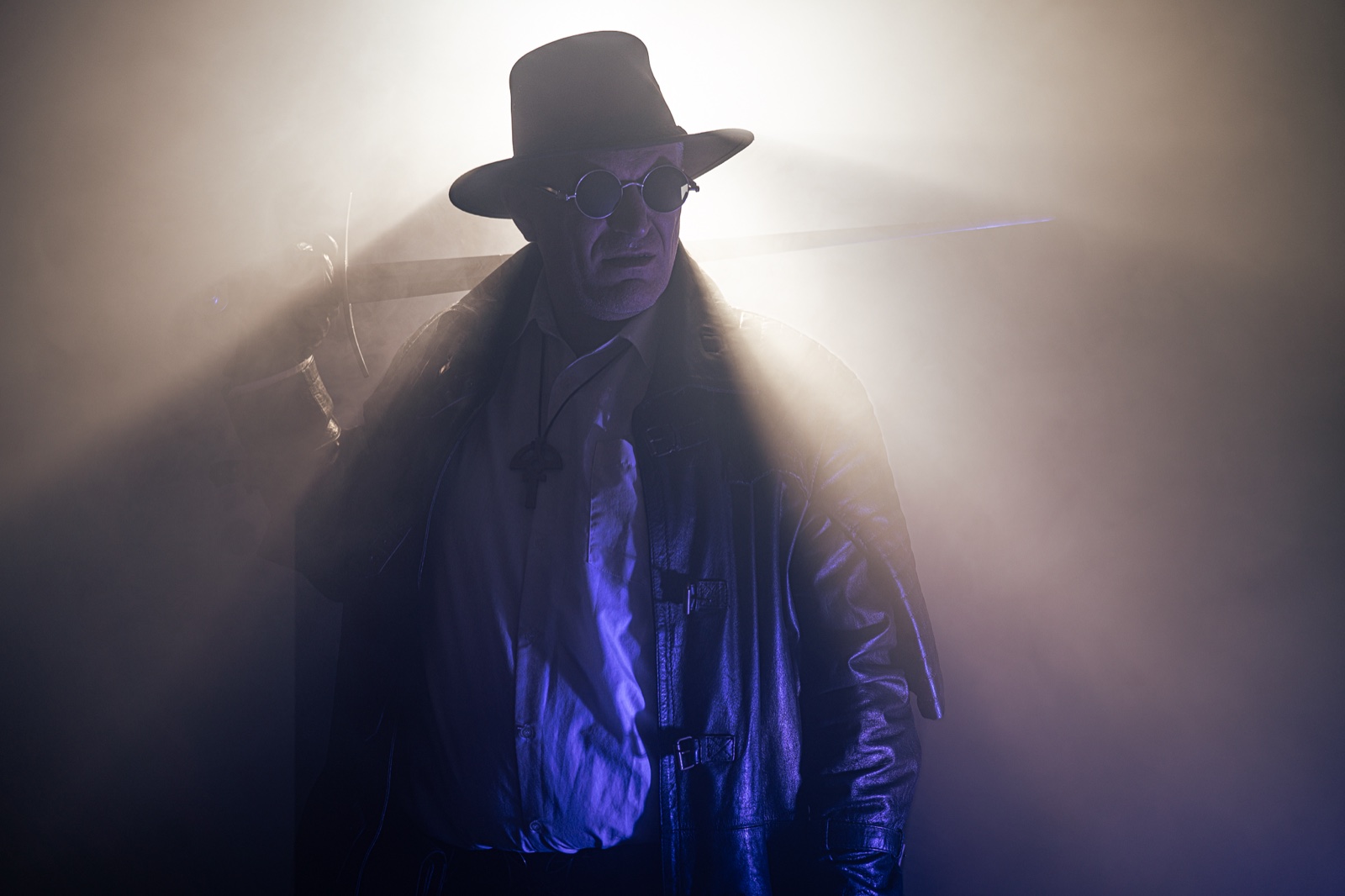
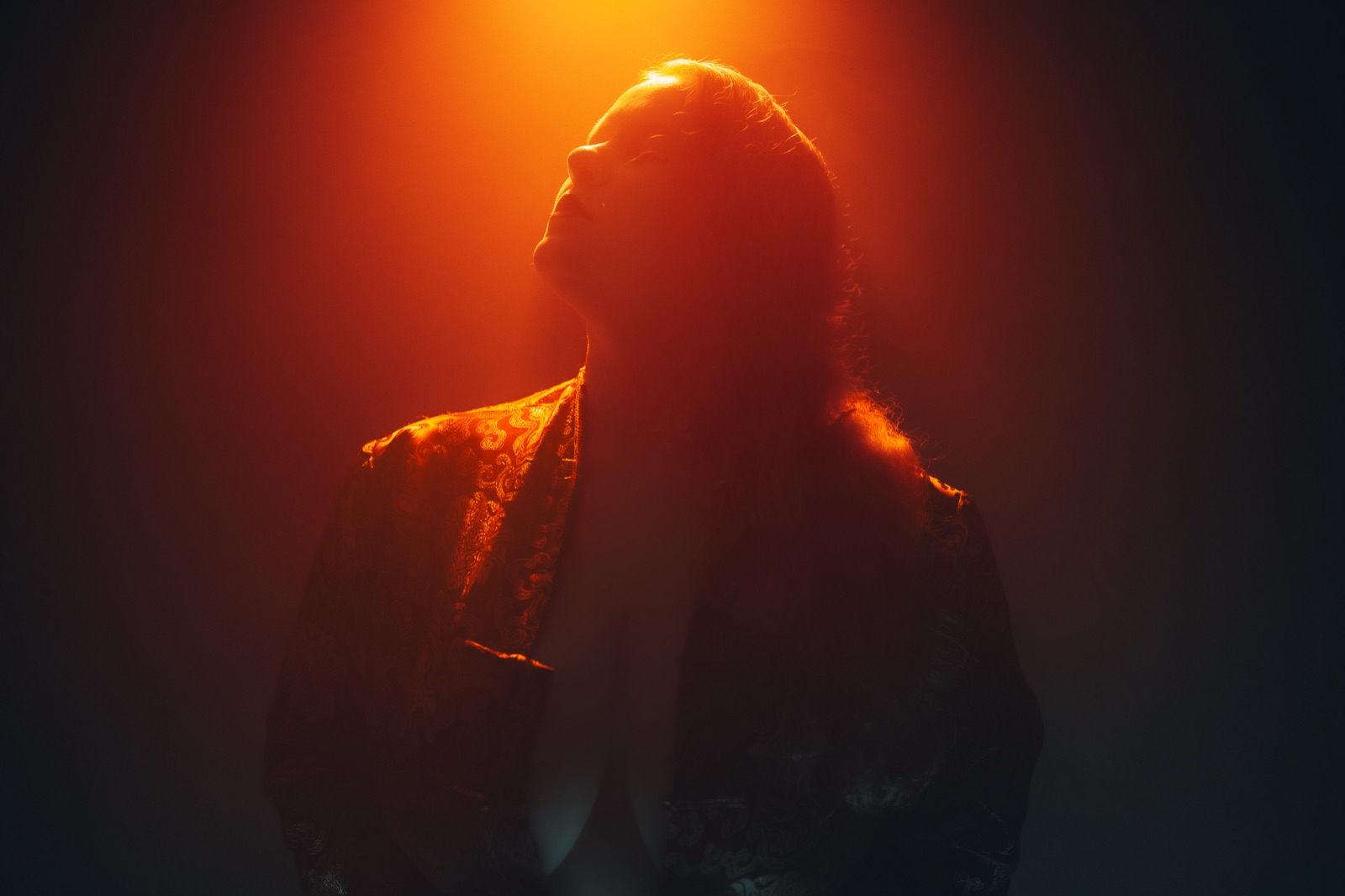
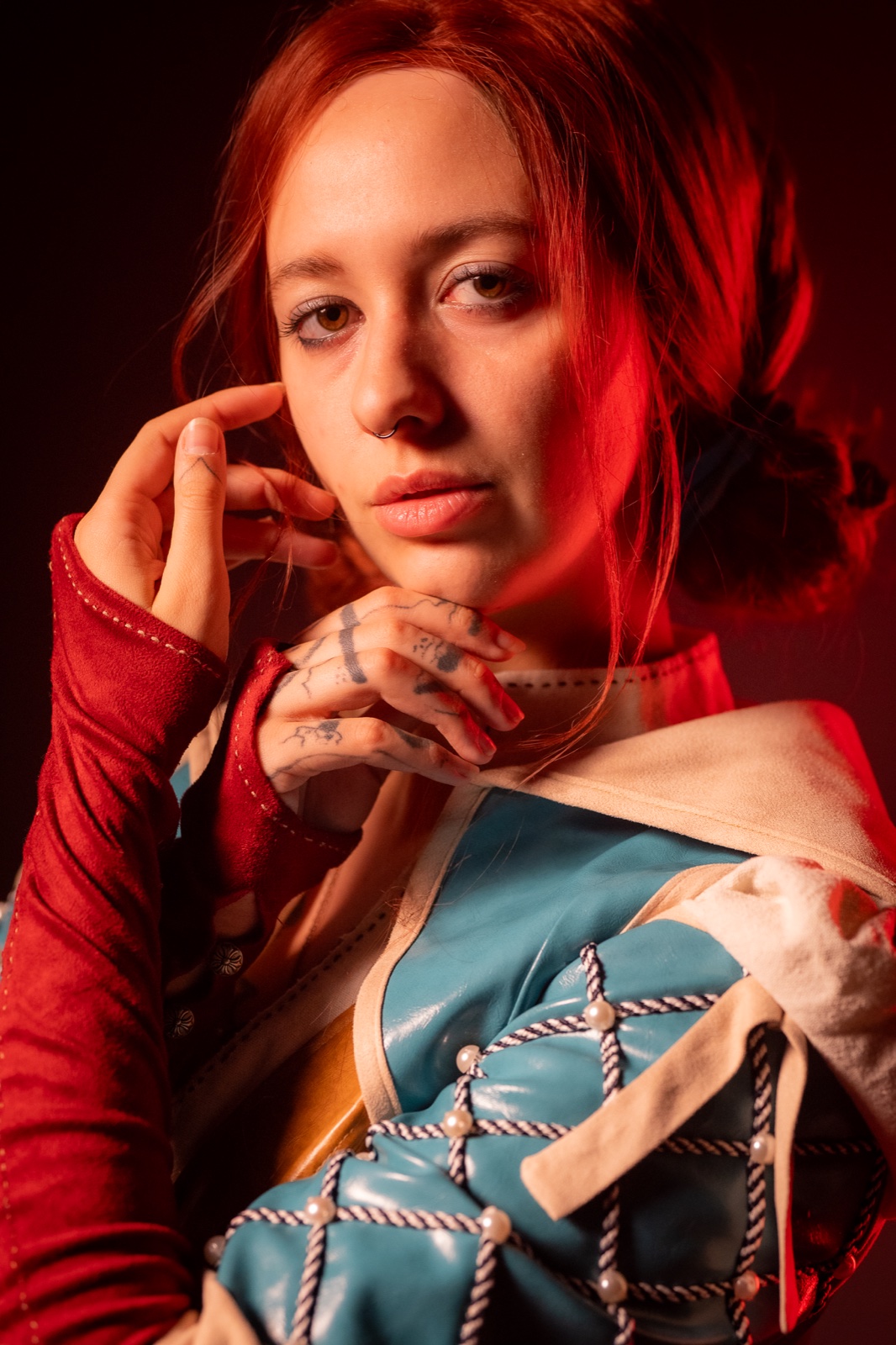
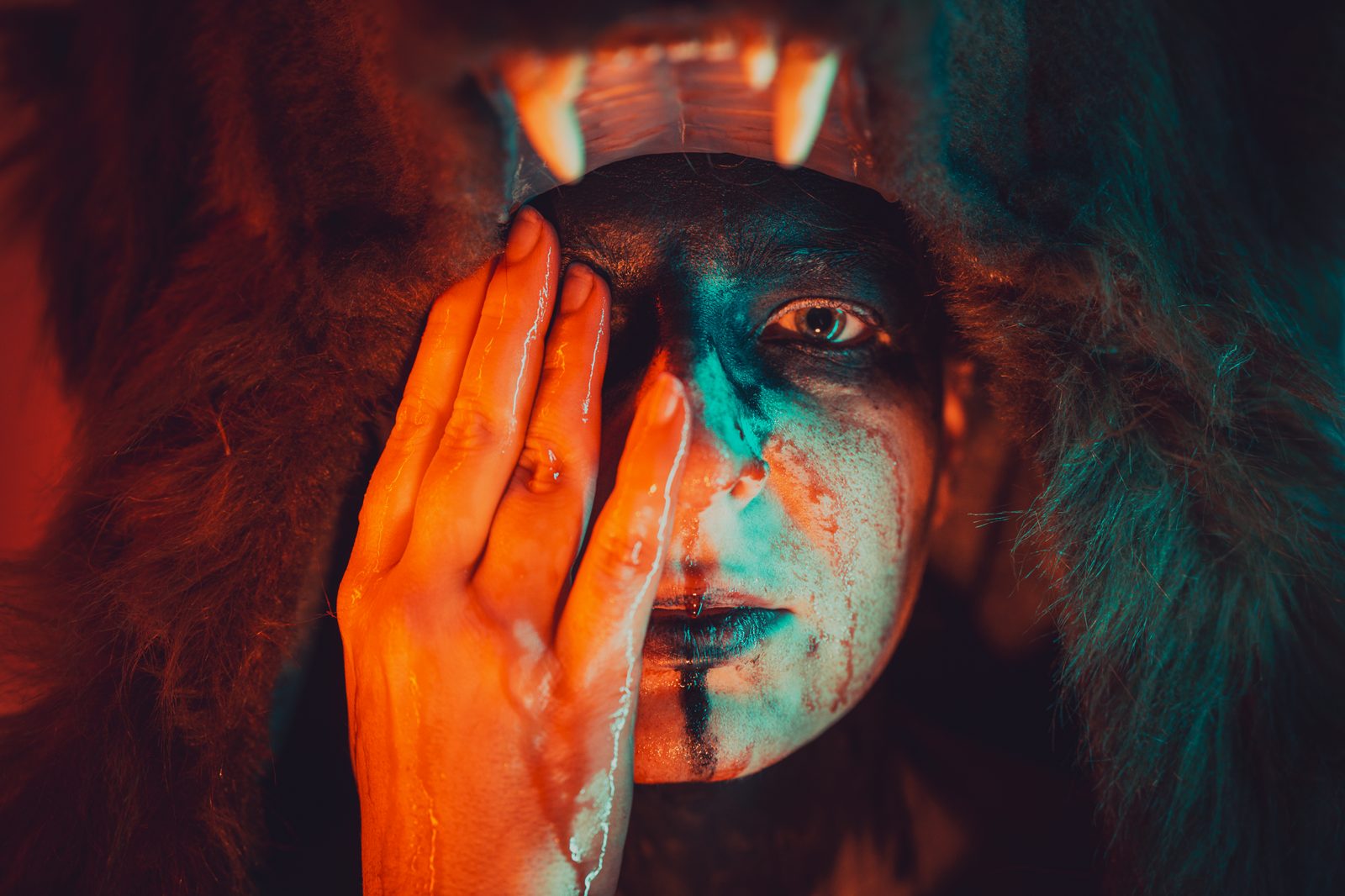
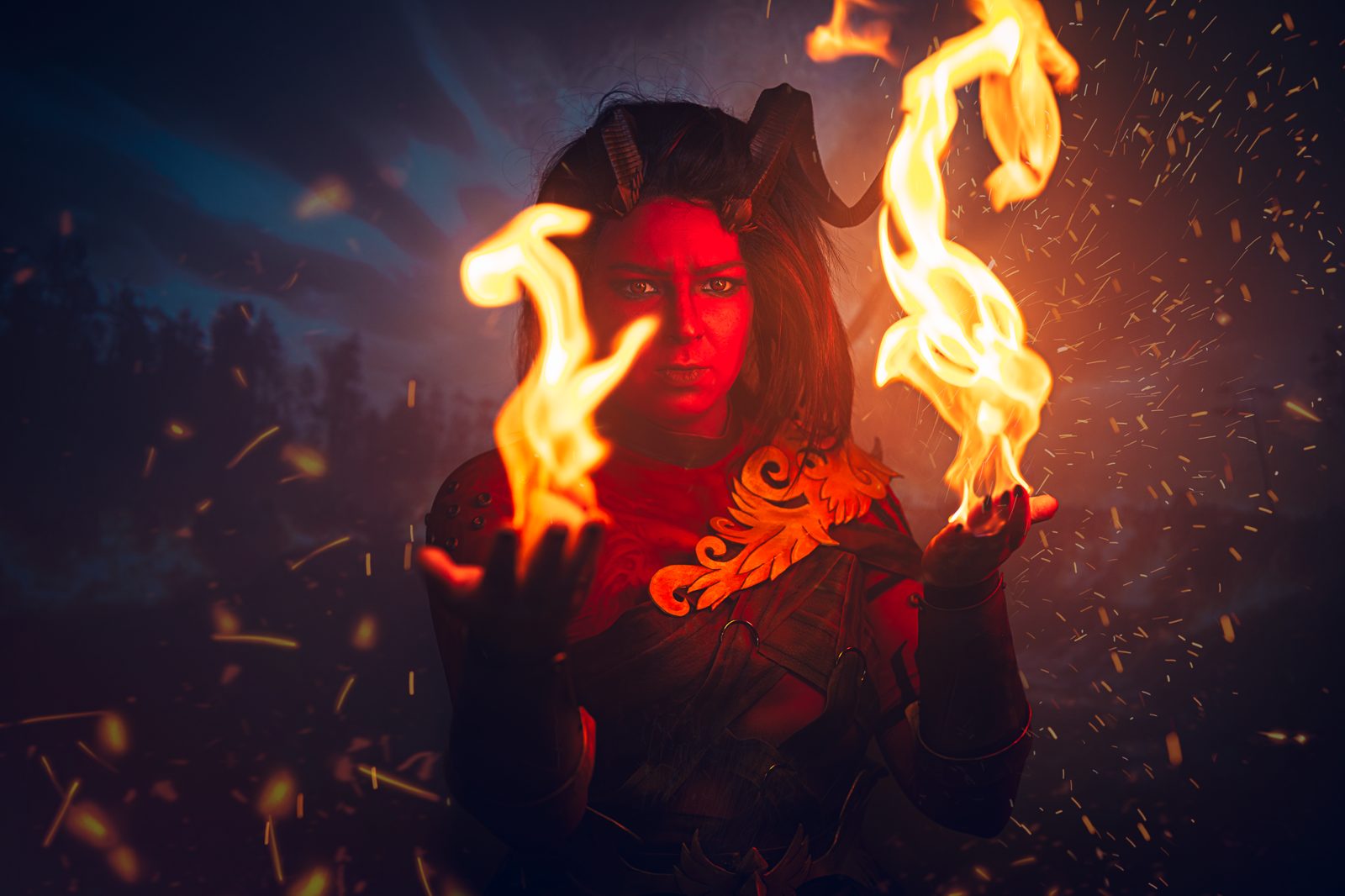
Cosplay shoot — shaman character
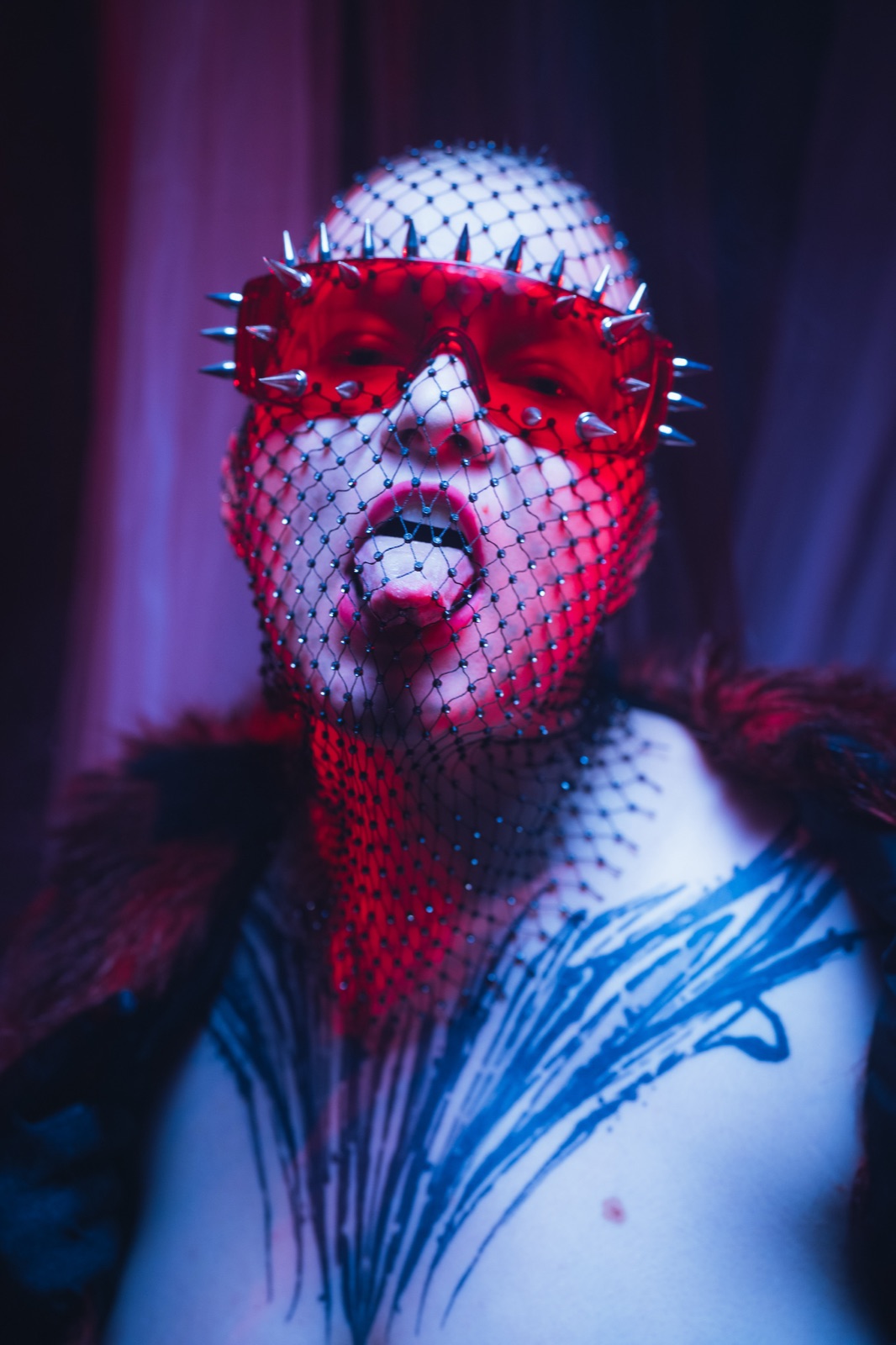
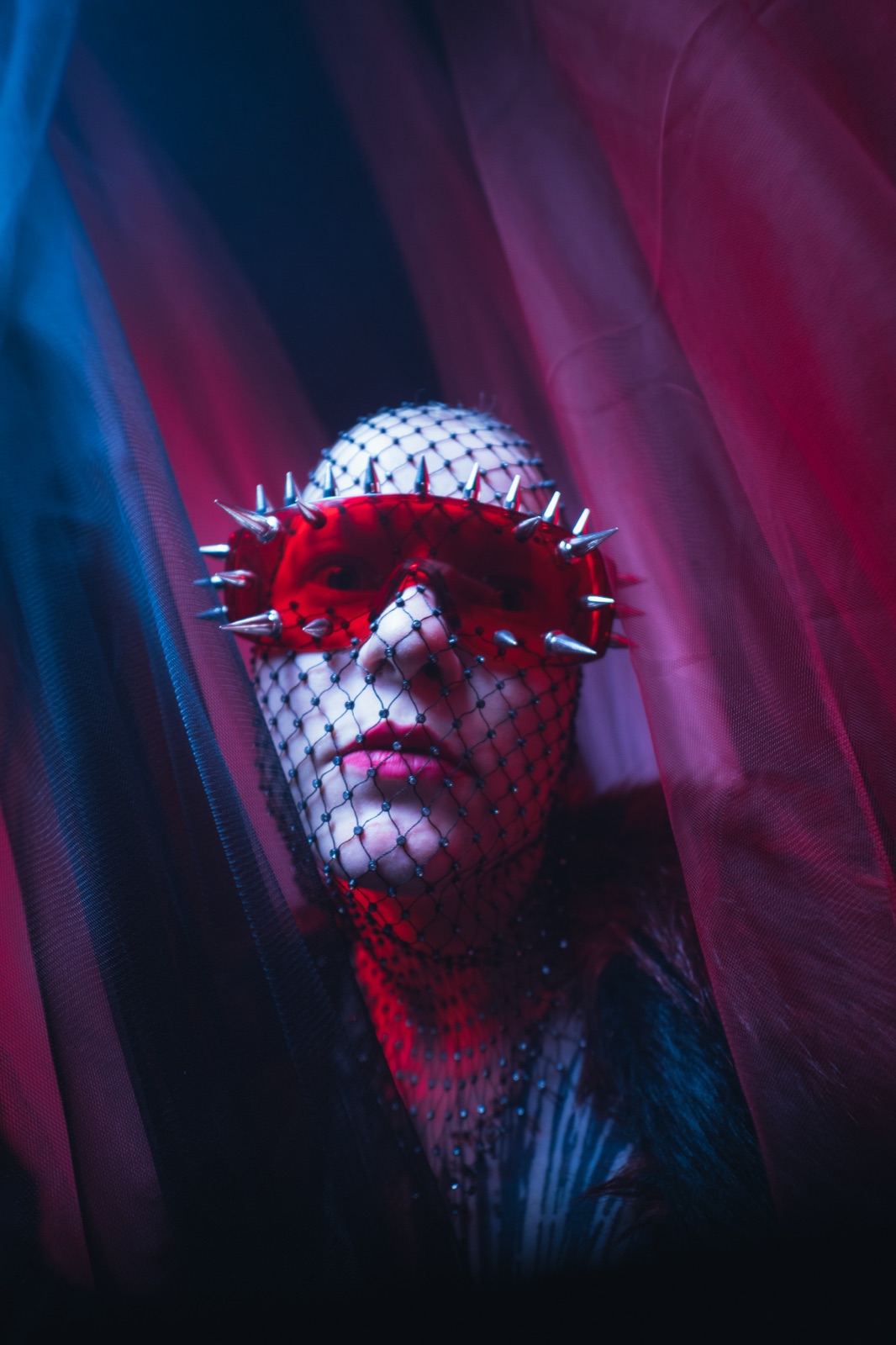
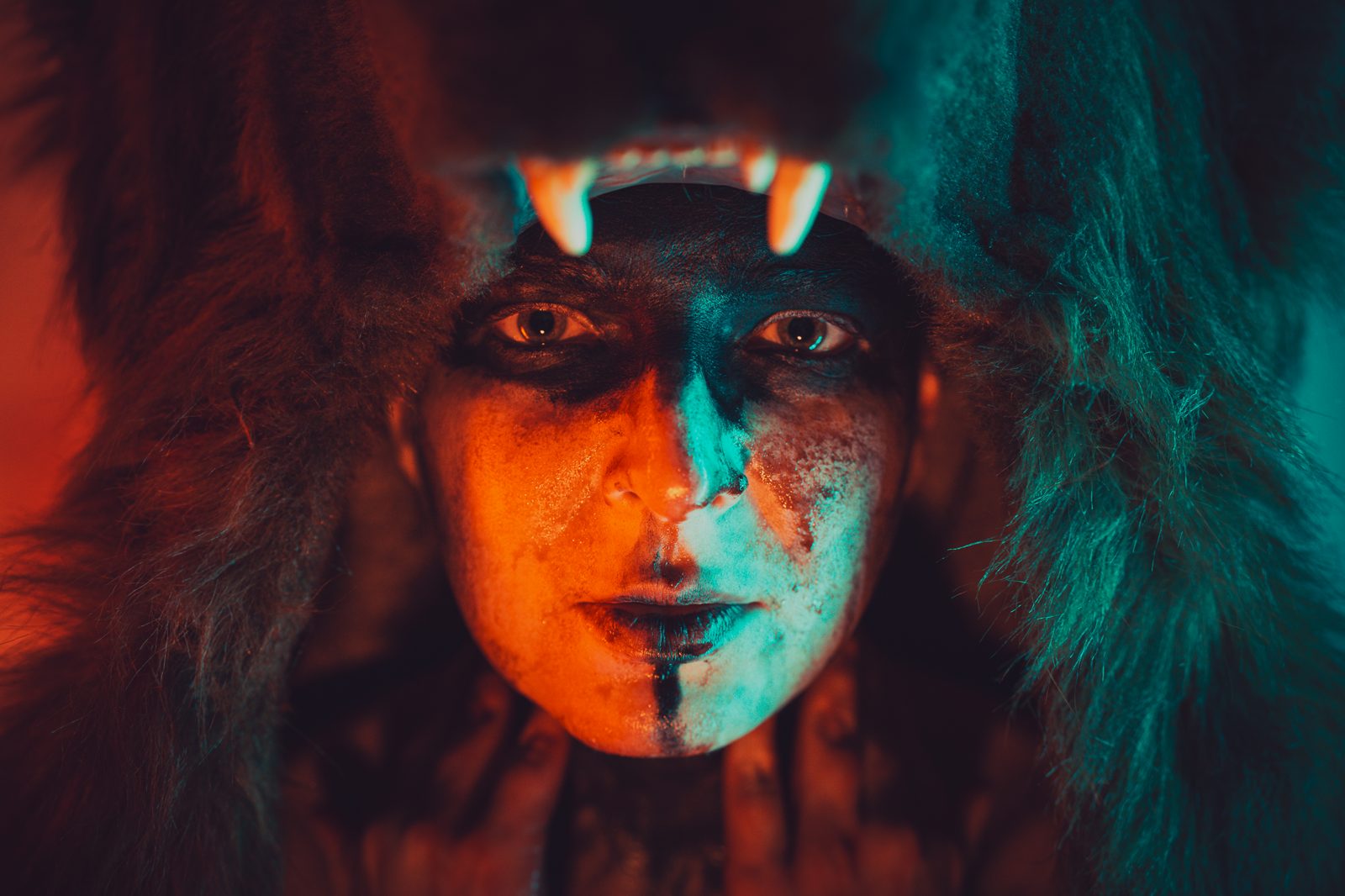
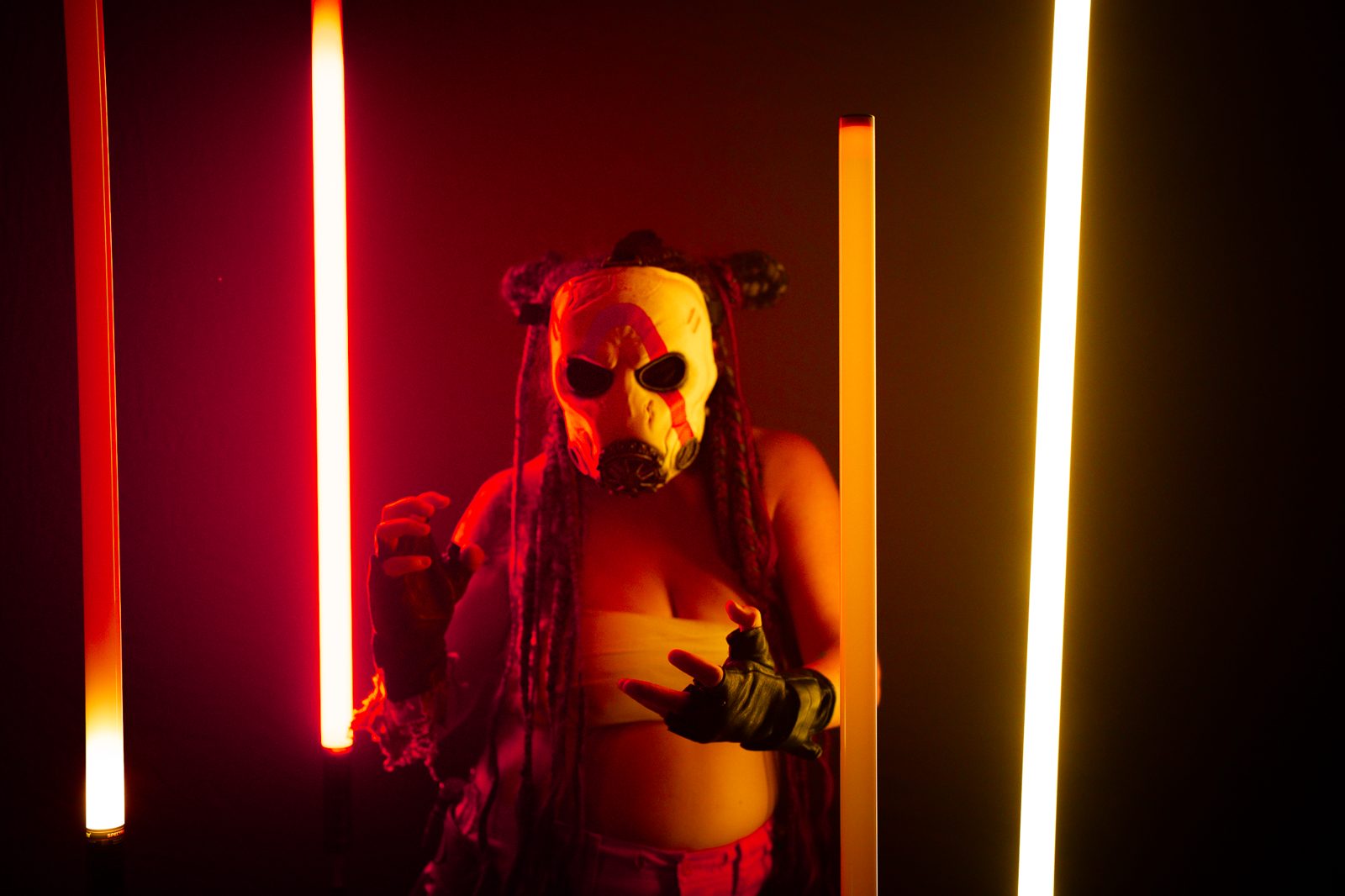
Cosplay shoot reference — spiked-glass portrait
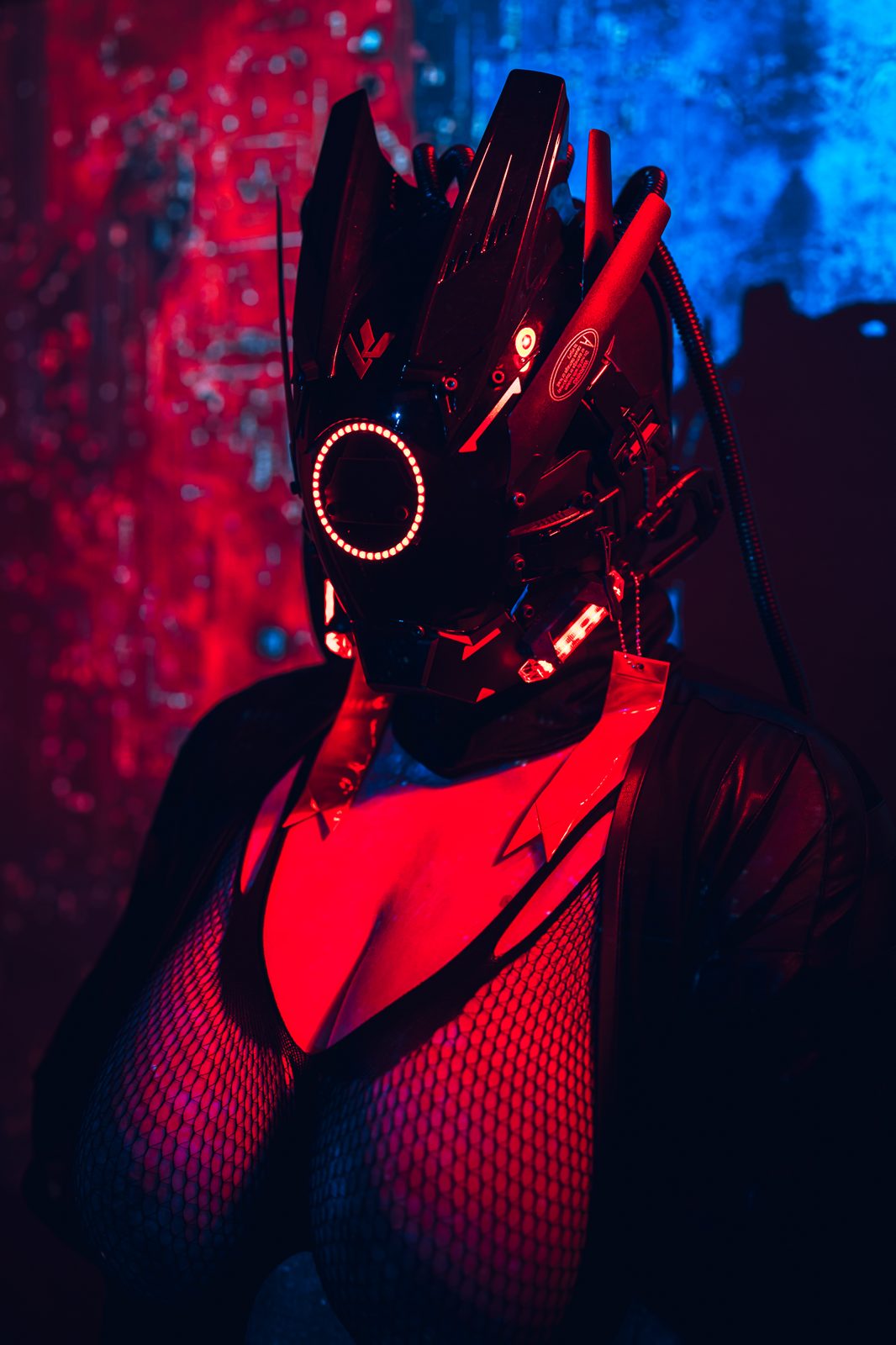
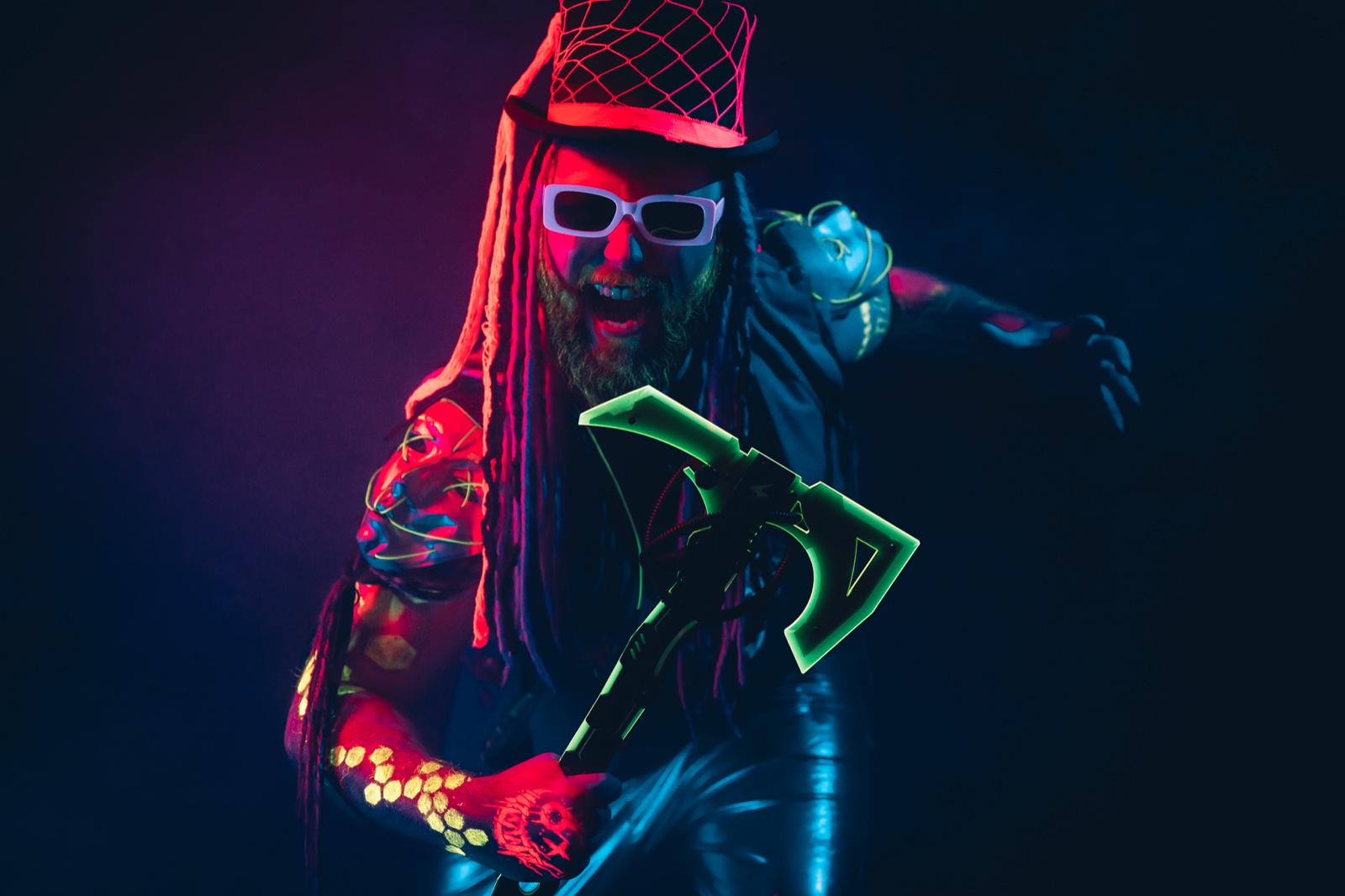
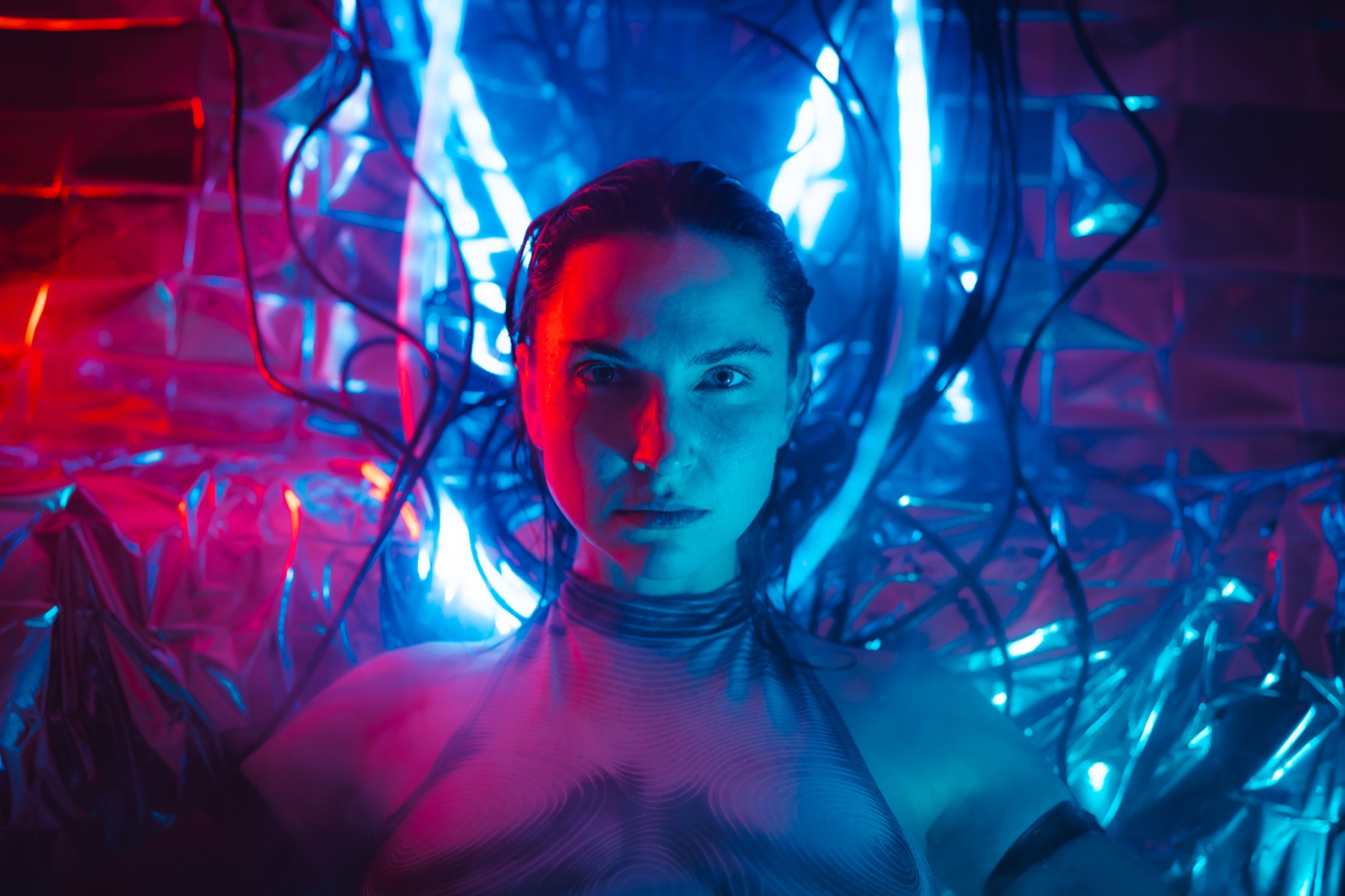
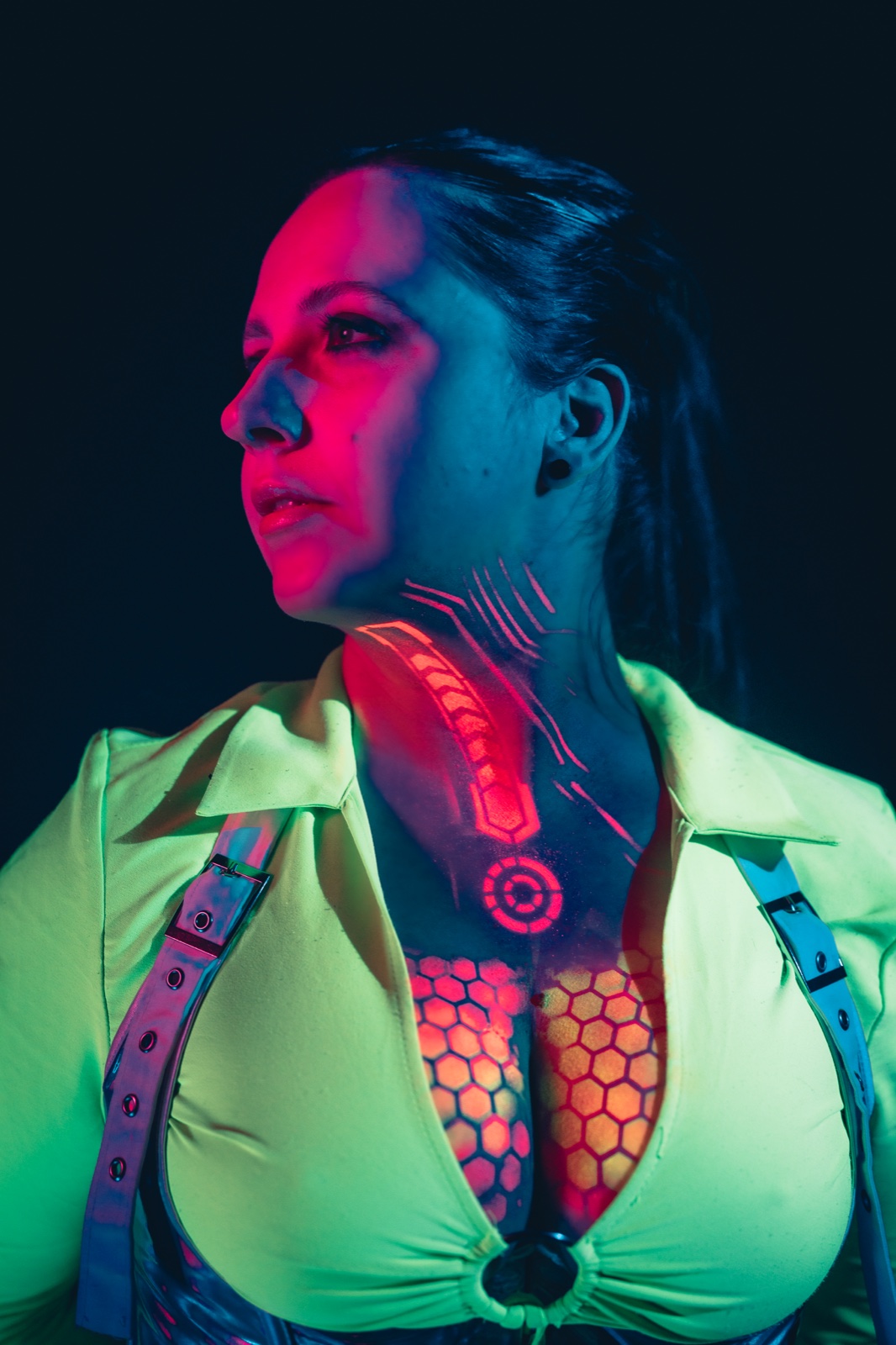
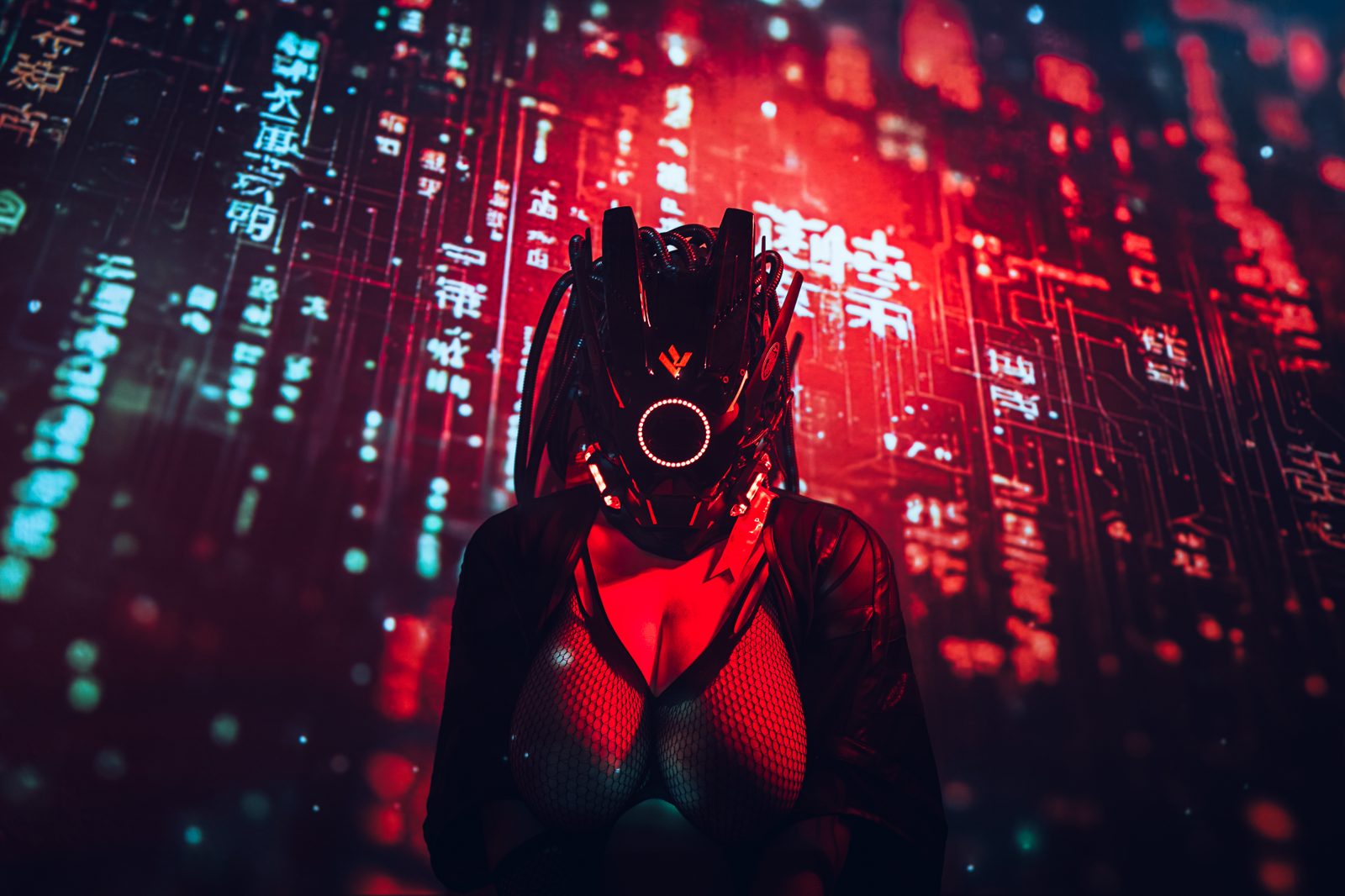
Cyberpunk cosplay shoot reference
Shared
01 — One link, no sign-ups

No account needed to contribute

Your cosplayer, MUA, and stylist get a single link. They open it on their phone before the shoot — at home, at a convention, in the makeup chair — and add refs immediately. No passwords, no apps, no "please sign up first" blocker between you and their refs.

02 — Works with Claude

Build boards by chatting with Claude

Connect your AI assistant to Cobalt via MCP. Describe the character, the mood, the lighting style you're after. It can create the board, organize columns by look, pull royalty-free reference images from vetted libraries (Pexels, Pixabay, CC0 museum collections), and write lighting notes — all from a single message.

03 — Works offline

Pin a board before the shoot

One tap downloads the whole board — every photo, full resolution — to your phone or tablet. Abandoned factory, forest ravine, con-hall basement: the moodboard opens with zero signal, every time. See how →
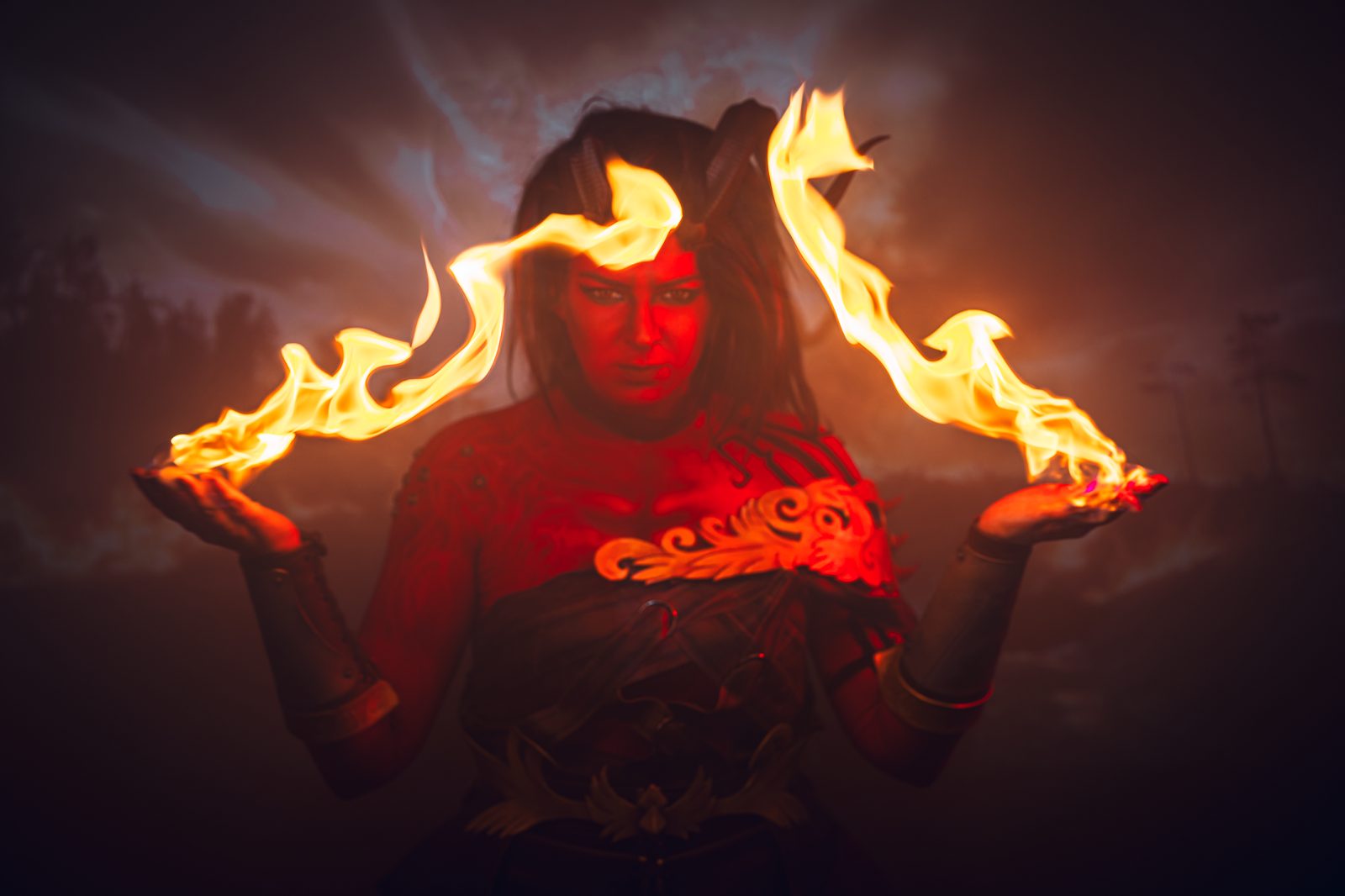
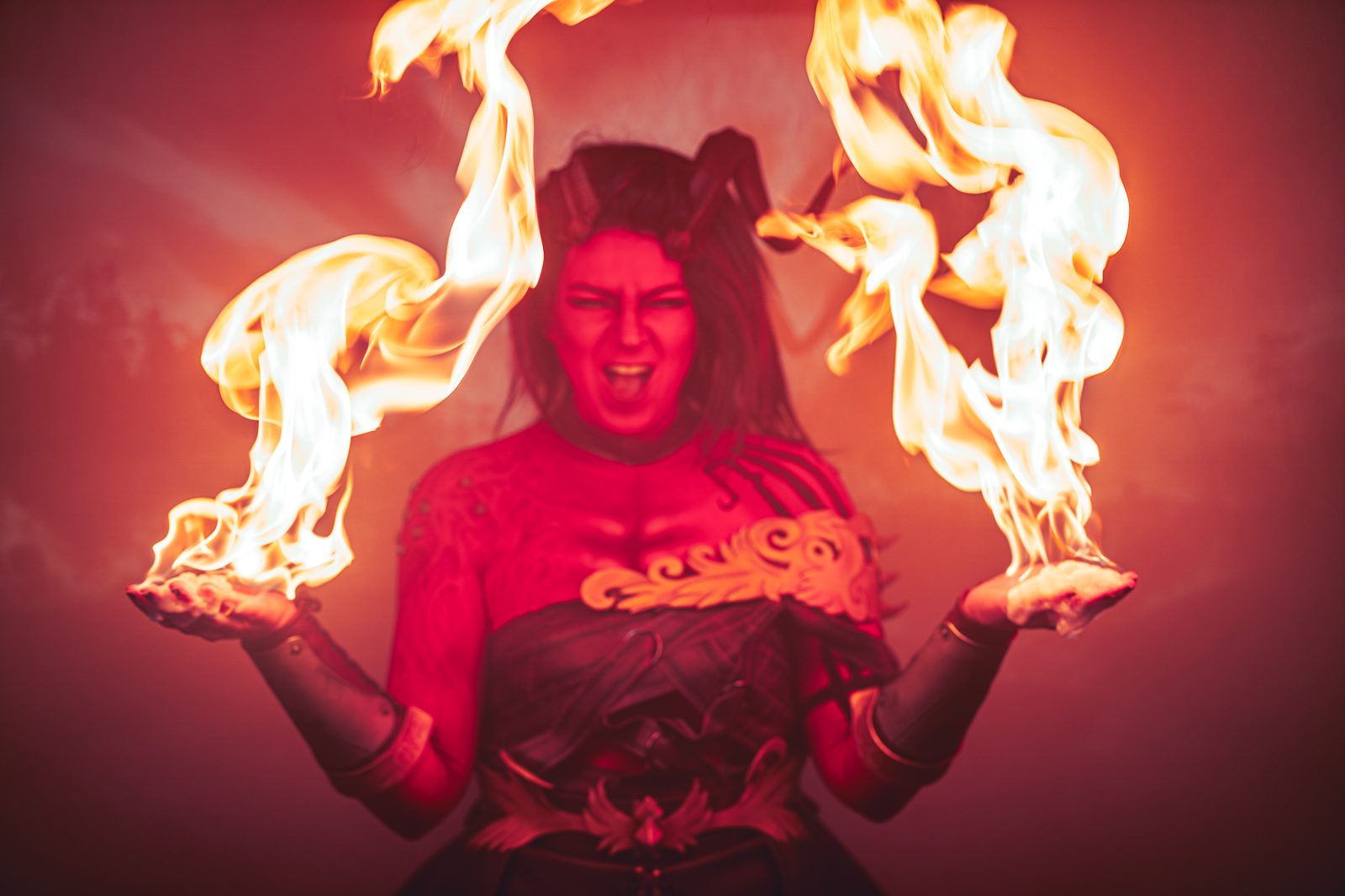
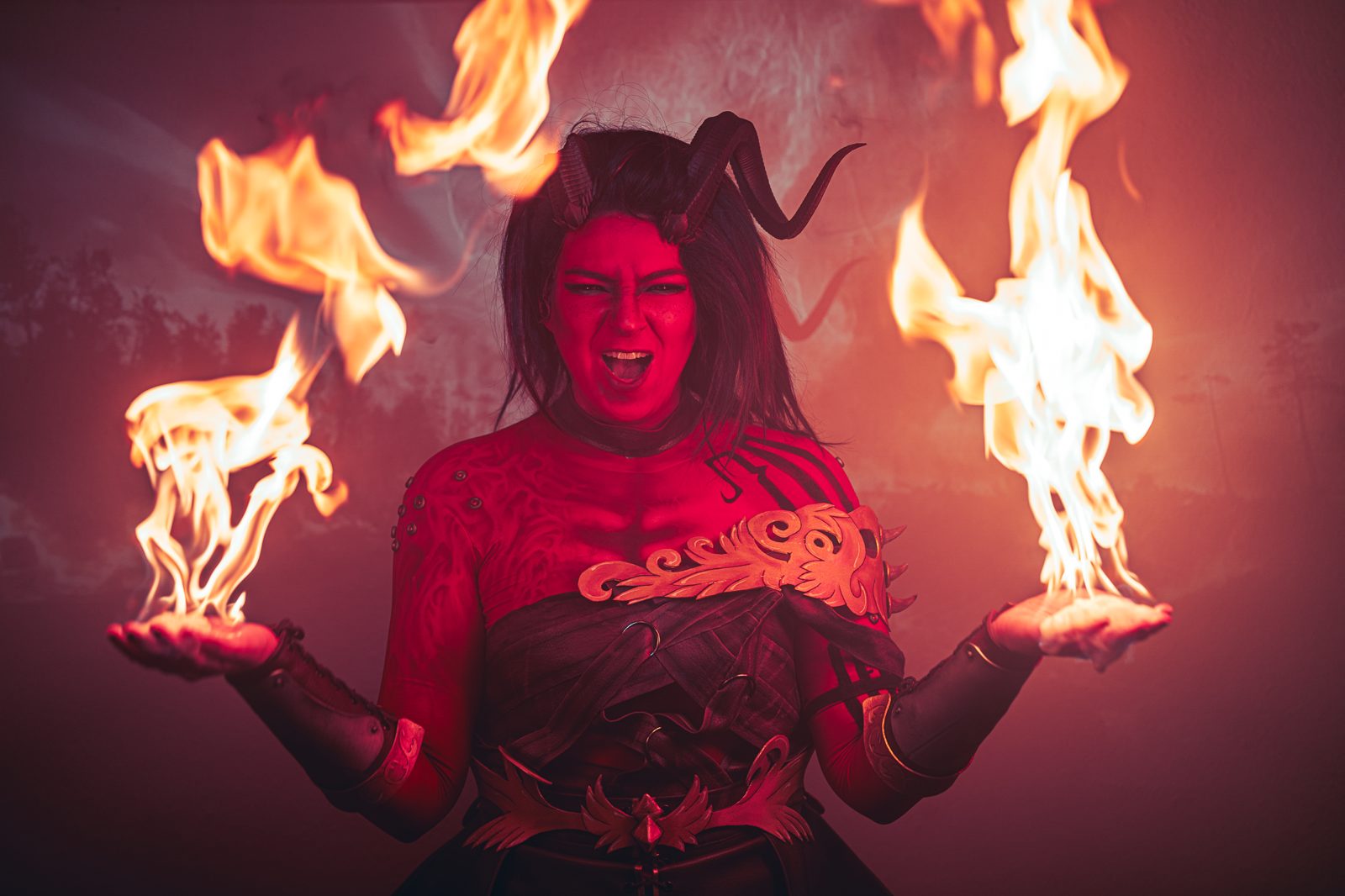
One link · no sign-ups

Everyone contributes.
Nobody signs up.

Send the link. Your cosplayer, MUA, character coach, prop maker — they open it in any browser and start adding. No passwords, no app install. Nothing to install on their side — the refs just show up.

One link, no setup

Copy a link, drop it in a DM or a group chat. Contributors open it on any device and start adding refs immediately — no settings, no permissions, no onboarding.

Your whole crew, no accounts

Cosplayers, MUAs, props builders, character coaches — the people you work with don't do SaaS signups. They don't have to. A browser link is all it takes.

Everything in one place

Every ref lands on the same board, attributed and ready. Reopen the link and the latest additions are there — your moodboard fills in as the crew contributes, right up to shoot day.


Works with Claude · MCP

Tell Claude what you're shooting —
it builds the board.

Cobalt speaks MCP — the open protocol AI assistants use to interact with external tools. Add your token in Settings or connect via OAuth on claude.ai, and the assistant can browse, build, and restructure your entire library.

Speaks plain MCP — works with Claude, OpenAI Codex, Cursor, VS Code or Google Antigravity. Claude is one-click; others connect with your Cobalt token.

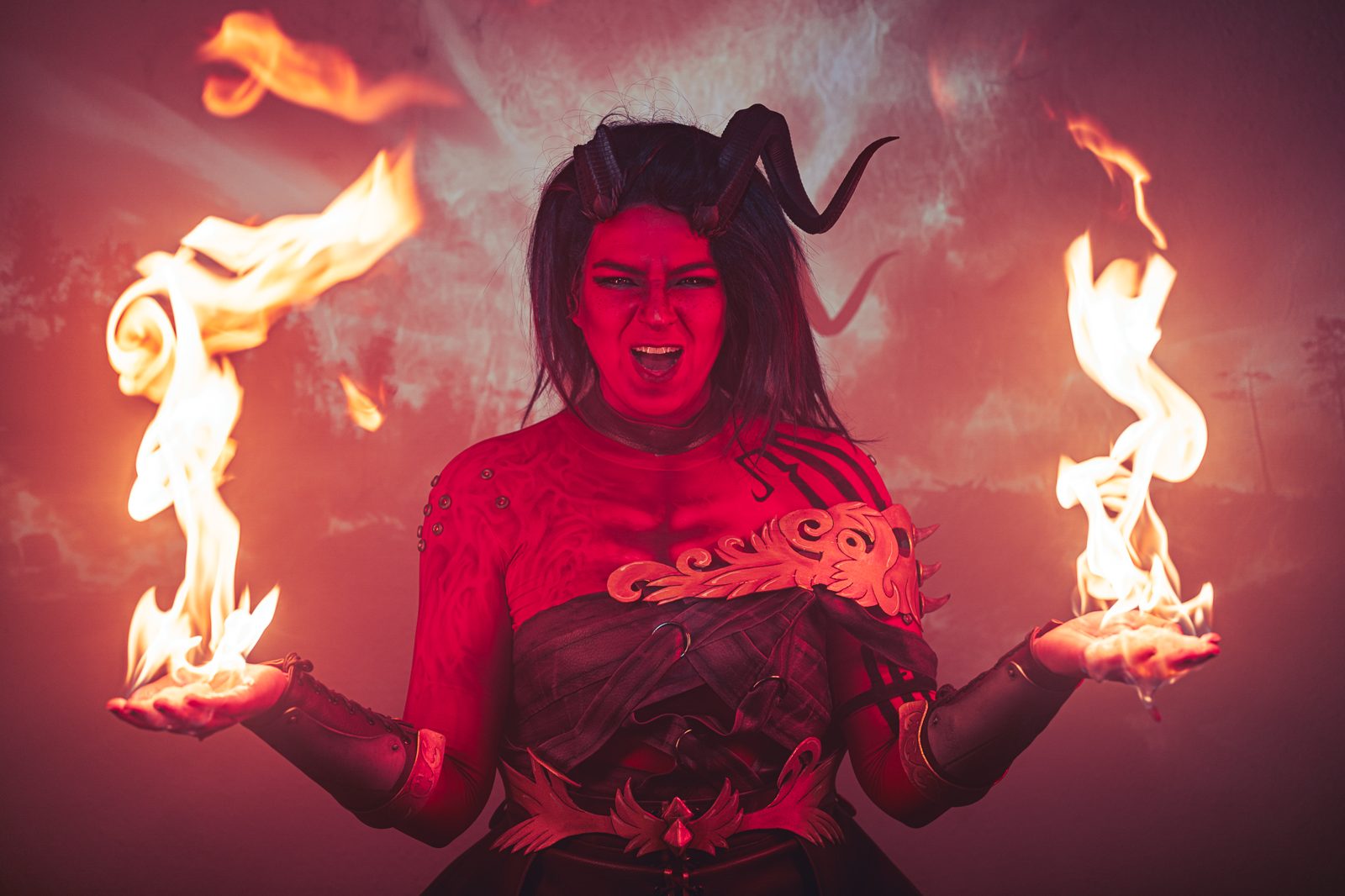
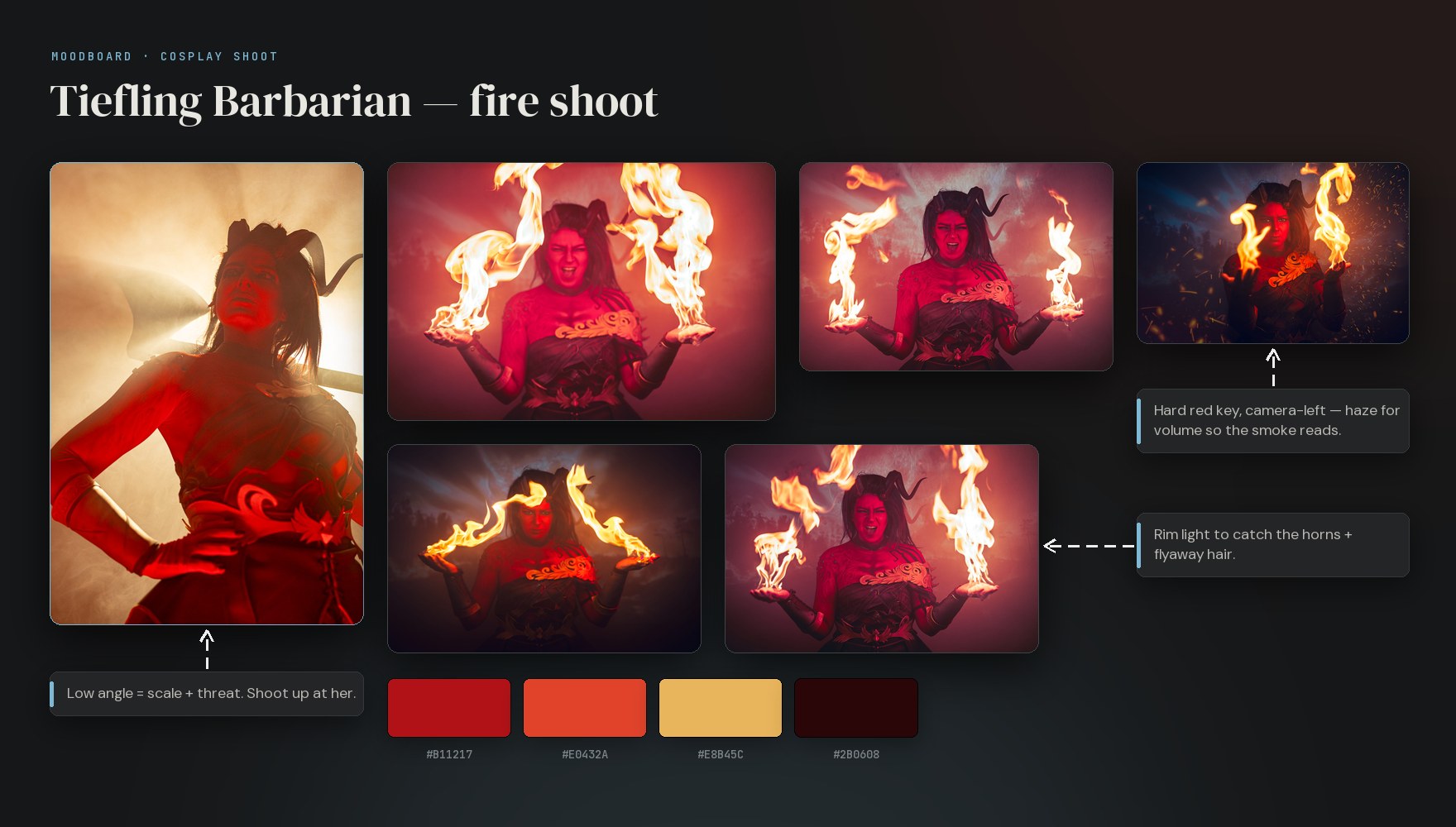
A cosplay shoot moodboard built in Cobalt — tiefling fire shoot with reference photos, lighting notes, connector arrows and a color palette
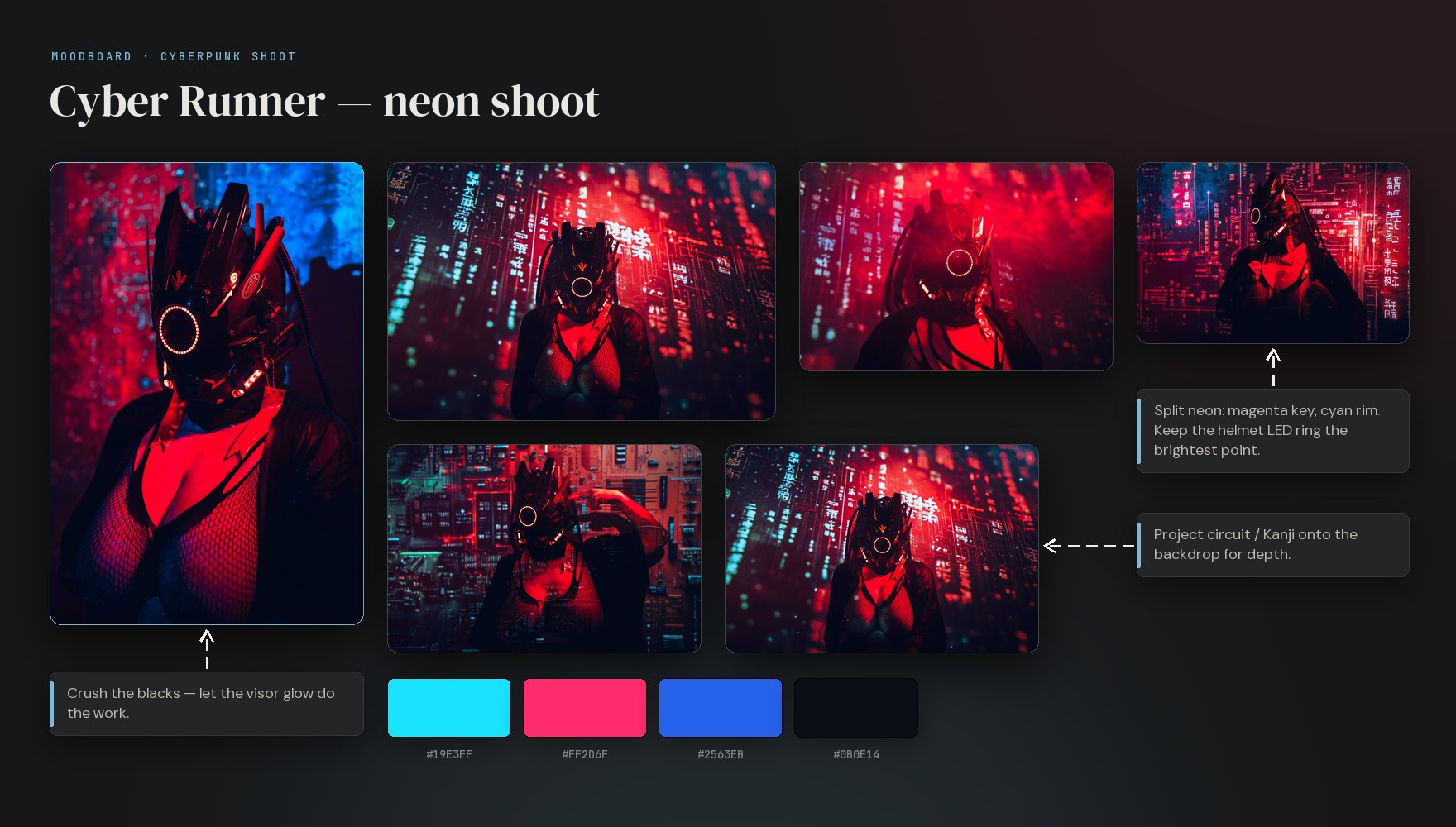
A cosplay shoot moodboard built in Cobalt — cyberpunk neon shoot with reference photos, lighting notes, connector arrows and a color palette

Two shoots, two boards — your photos, lighting notes, arrows and a color story, built from a single chat.

Claude + Cobalt MCP  ·  Void Knight — studio shoot
P
Build me a moodboard for a dark fantasy armor character shoot. Three looks: Onyx (deep black, no-fill), Void (neon cyan rim, smoke), and Battle-worn (rust + grime texture). Pull 8 armor reference shots, add a lighting note for each look.
C
Done. Created "Void Knight — studio shoot" with three columns — Onyx, Void, Battle-worn. Pulled 8 reference images via add_image and wrote a lighting note in each column. Board is ready to share — send the link to your cosplayer and MUA.
create_board create_column ×3 add_image ×8 create_element NOTE ×3
Void Knight 3 looks · 8 refs
Onyx
No fill · deep shadow
Void
Cyan rim · fog machine
Battle-worn
Warm practical · rust tones
What Claude can do with your boards
search · list_boards · get_board · get_element
Full-text search across all boards — titles, notes, captions. Browse any board or inspect any card in your library.
create_board · create_column
Spin up boards and columns — just describe the structure. "Three looks by lighting style" and it's done.
create_element · add_image
Add notes, links, todos, headings, colors, tables. Pull reference images from any URL (up to 25 MB) directly onto your board.
update_element · move_element · delete_element
Reorganize, rename, rearrange. Ask the assistant to sort cards by mood or character and it will move everything into place.
How to connect

Any MCP client — go to Cobalt Settings → Integrations, copy your API token, paste it into any MCP client (Claude, OpenAI Codex, Cursor, VS Code, Google Antigravity). Under a minute. claude.ai (browser) — OAuth: Settings → Integrations → Add Cobalt. One click, no tokens to manage.


Browser extension · Web clipper

Found a ref you like?
Right-click, it's on your board.

Browse Google Images, Pinterest, Instagram — anywhere — the way you already do. Right-click any image, link or quote and Save to Cobalt. It lands on your board with the source link kept, so the moodboard fills up as fast as you find things. More about the clipper →

One right-click

Image, link, or selected text — right-click, “Save to Cobalt”, done. Pick a destination board, or drop it into your Unsorted inbox to sort later.

Sources kept automatically

Every clip remembers where it came from. Credit a photographer, find the original listing, or trace a costume reference back to its post — months later.

Works on every site

Pinterest, Instagram, Reddit, shops, artist portfolios — if it’s in your browser, you can clip it. Ships for Chrome and Firefox (and Chromium browsers like Edge, Brave, Arc).


Installed app · Works offline

The quarry has no bars.
The board doesn't care.

Half the best locations are dead zones — abandoned factories, forest ravines, con-hall basements. Tap the cloud icon before you head out and the whole board comes with you: every reference, the lighting notes, the full shot list. Airplane mode, zero signal, doesn't matter.

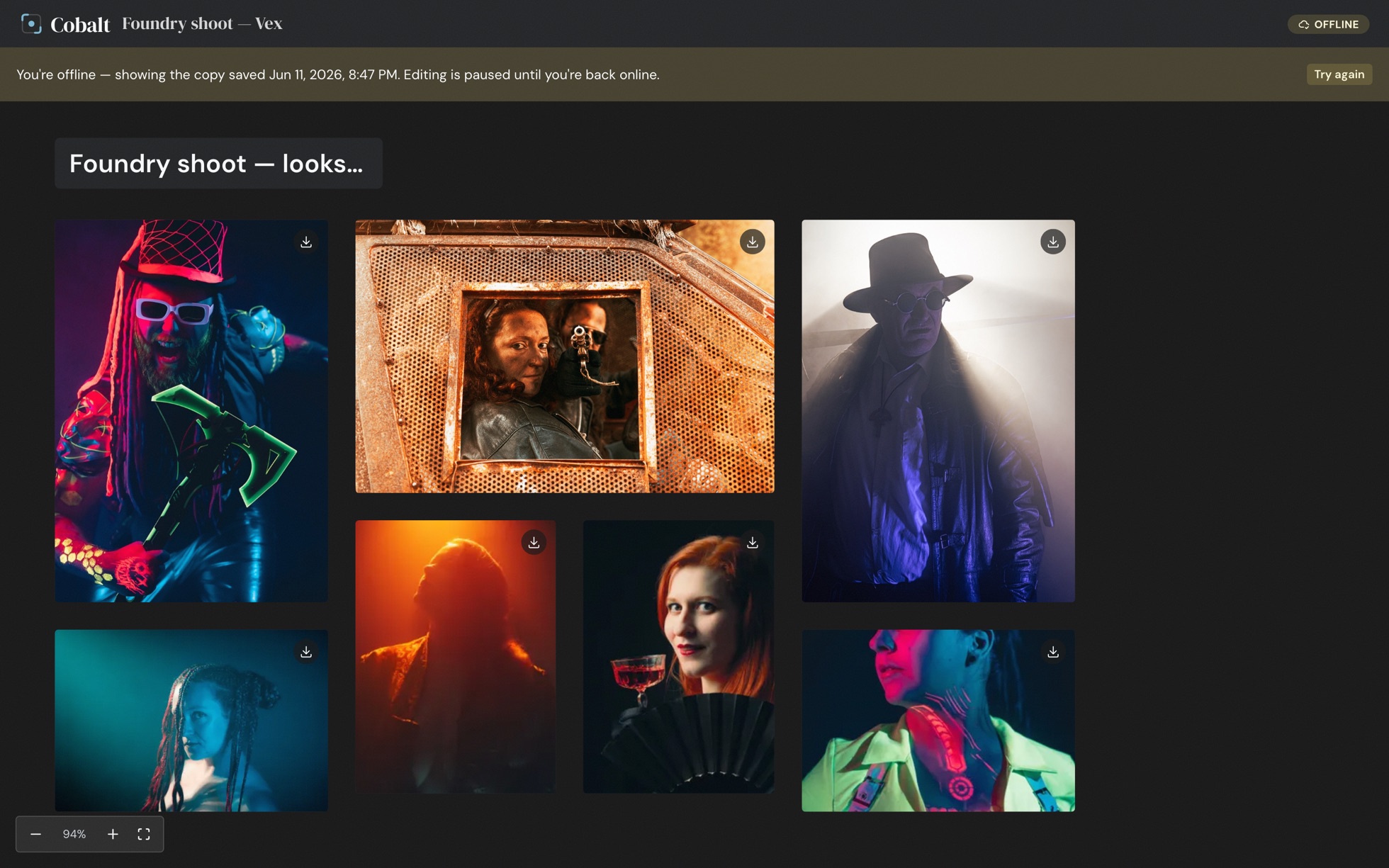
A Cobalt moodboard open in airplane mode — the offline banner shows the board was saved to the device, and every reference photo still renders

Airplane mode on. The board — and every photo on it — is already on your device.

Pin it, it's yours

One tap on the cloud icon downloads the board and every photo to your device — originals included. Re-pinning only fetches what's new, so keeping it fresh costs seconds, not your hotel Wi-Fi.

Opens like an app

Add Cobalt to your home screen and it launches full-screen from its own icon — no browser chrome, no address bar. Offline, it opens straight to the boards you saved. Install guide →

Honest about edits

Offline you're viewing, not editing — no sync conflicts, no half-saved boards, no surprises back home. The moment you're in coverage again, the live board takes over and editing picks up where it left off.


Built for cosplay shoots

Cosplay shoots are
a different beast.

You're coordinating armor, FX makeup, neon lighting, and a model who built their costume over six months. Cobalt maps to how that work actually happens.

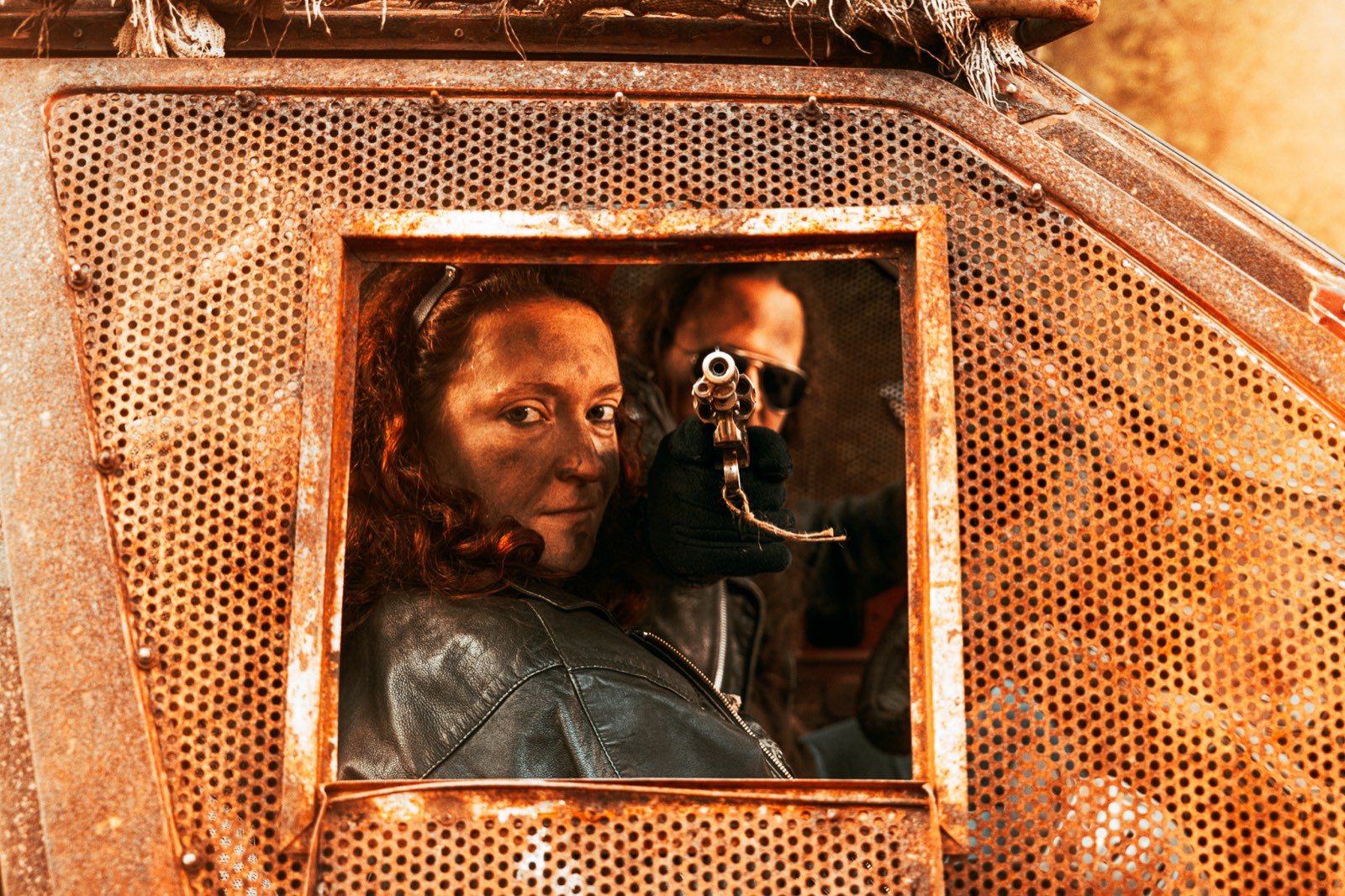
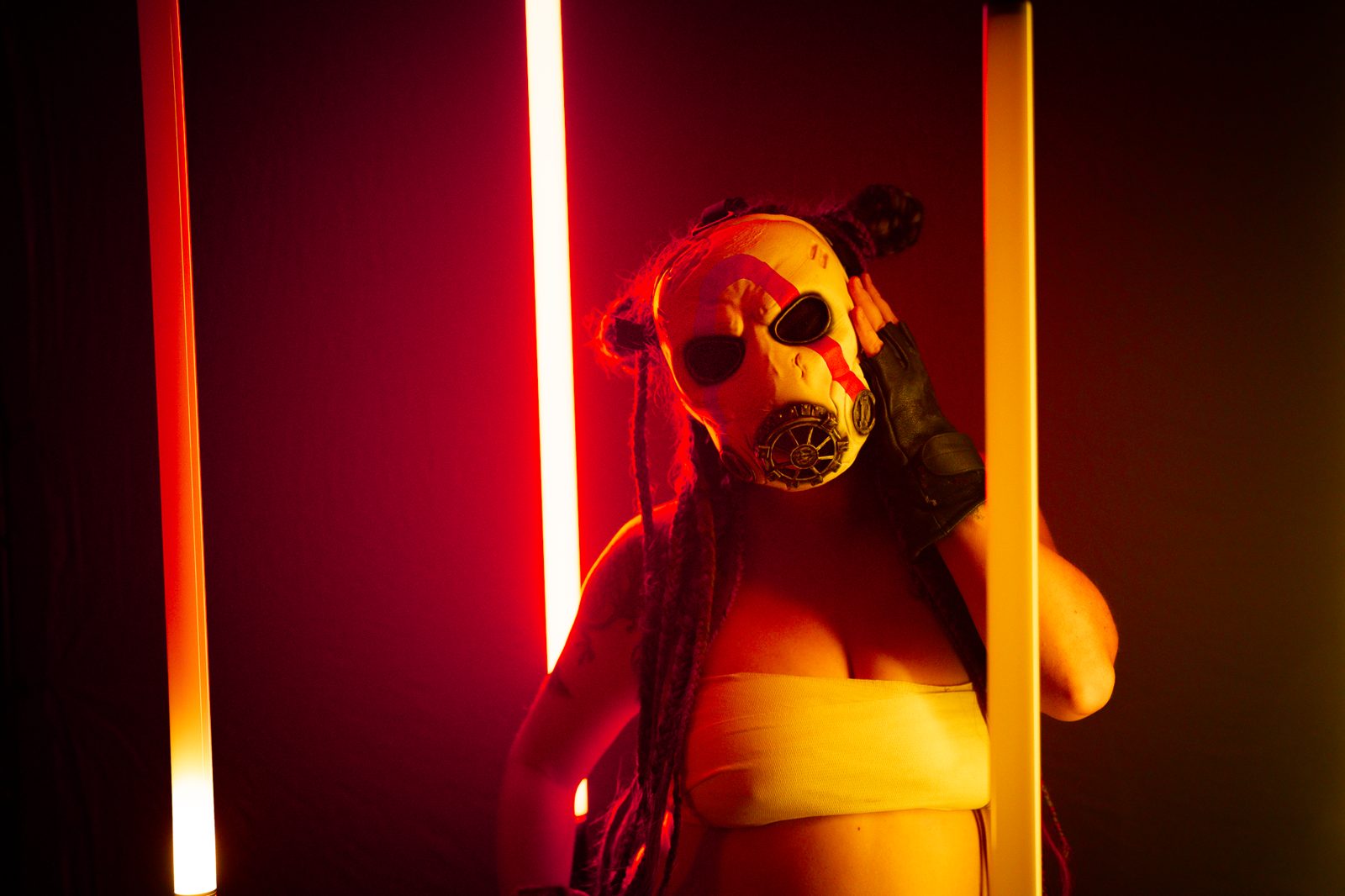
Post-apocalyptic gunner cosplay shoot

Pre-shoot character boards

Build a complete visual brief before the day — armor reference, color grading targets, lighting diagrams, makeup examples. Share it with your cosplayer weeks in advance so they can add their own inspo and refine the brief together.

Vampire-hunter cosplay shoot

Model briefs without the login wall

Send your cosplayer one link. They browse the board on their phone — no account, no app. They know exactly what poses, expressions, and wardrobe details you're going for before they even leave for the studio.

Neon raider cosplay shoot

FX shots and swatches, straight from your MUA

Your MUA and stylist can drop FX reference shots and swatch images directly onto the board. No email chains, no shared drives. Everything in one place before call time.

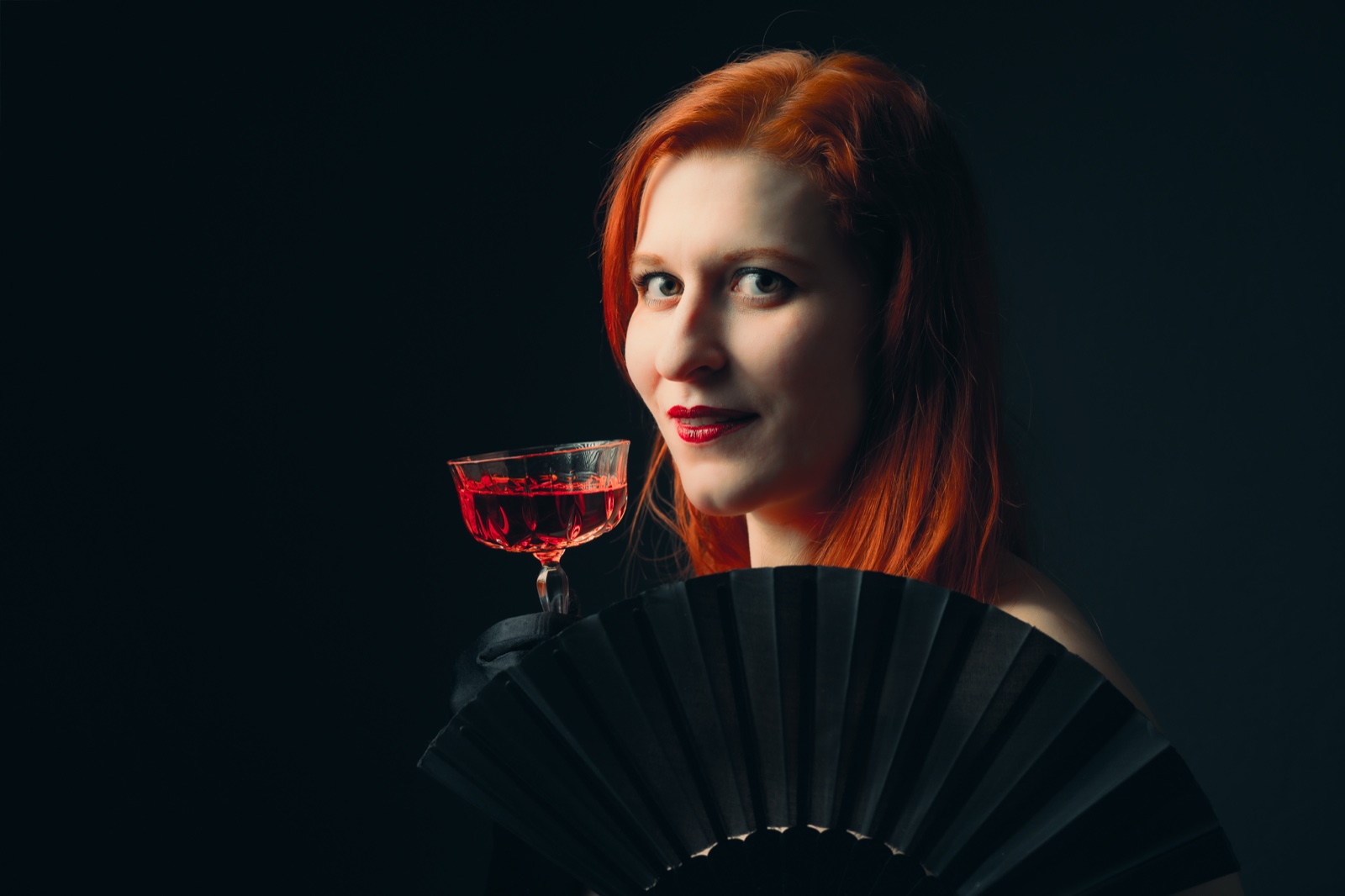
Noir glamour portrait shoot

Find any character you've ever shot

Build a permanent library of your character shoots — organized by universe, armor type, or color palette. Search across everything in seconds when a new shoot comes up and the deadline is close.


Simple pricing

You're mostly paying for storage.

Every plan has unlimited boards and unlimited no-account share links — sharing never counts against any limit. Bigger plans mostly mean more room. Cobalt is invite-only today — every account starts on Free.

Free
200 MB
€0/mo
forever free
  • 200 MB storage
  • Unlimited boards
  • Unlimited share links — view & contribute, no login
  • Connect your AI assistant via MCP (Claude, Codex, Cursor…)
  • Comments & reactions on shared boards
  • "Made with Cobalt" badge on shared boards
Request access
Starter
10 GB
€4/mo
billed monthly
  • 10 GB storage
  • 1 workspace member — bring an assistant or retoucher
  • Password-protected share links
  • Branded share links
  • View counts on shared boards
  • Custom welcome message
  • Remove "Made with Cobalt"
Request access
⭐ Most popular
Pro
50 GB
€9/mo
billed monthly
  • 50 GB storage
  • Everything in Starter
  • Up to 3 workspace members — teammates with full access to all your boards
Request access
Studio
200 GB
€19/mo
billed monthly
  • 200 GB storage
  • Everything in Pro
  • Up to 10 workspace members — room for your whole studio
Request access

Questions

Frequently asked.

No. Anyone with the share link can open the board in any browser and contribute — dropping images, writing notes, or leaving reactions — without creating an account, signing in, or installing anything. Only the board owner (you) needs a Cobalt account.
A workspace member is a teammate you invite into your whole workspace — they sign in with their own account and can view or edit all your boards. Starter includes 1, Pro 3 and Studio 10. Share links are different: they give anyone view or contribute access to a single board with no account, and they're unlimited on every plan — models, clients and one-off contributors never use up a member seat.
Cobalt speaks plain MCP, the open protocol — so it works with any MCP client: Claude, OpenAI Codex, Cursor, VS Code or Google Antigravity. Two ways to connect. Any MCP client: go to Cobalt Settings → Integrations, copy your API token, and paste it with your server URL into the client's MCP config — done in under a minute. On claude.ai in the browser: Settings → Integrations → Add Cobalt, then authorize with one click via OAuth. No tokens to copy, no config file to edit.
Via the MCP tools, the assistant can: search and browse all your boards (search, list_boards, get_board, get_element), create new boards and columns (create_board, create_column), add any element type including notes, images from a URL, links, todos, headings, and color swatches (create_element, add_image — up to 25 MB per image), update or rename existing cards (update_element), reposition cards between columns (move_element), and remove elements (delete_element). In practice it can build and populate a complete moodboard from a single chat message.
Yes. Open any board and tap the cloud icon — the board and every photo on it (full resolution) are saved to your device. It opens with no connection at all: airplane mode, a forest, a con-hall basement. Offline boards are view-only; editing resumes automatically the moment you're back in coverage. Install Cobalt on your home screen (guide for iPhone, iPad & Android) and it launches straight into your saved boards.
Uploads via the share link support images up to 25 MB each (JPEG, PNG, WebP, GIF). For contributors on mobile with slow connections, pasting an image URL is often faster than uploading directly — both work without an account.
Cobalt is a fully hosted SaaS at cobalt.photos — nothing to install or maintain on your end. We handle uptime, backups, and updates.

Free once you're in · cobalt.photos

The character deserves
a proper brief.

Create your first cosplay shoot board in seconds. Share it before the day so your whole crew knows exactly what they're building toward — no sign-up required on their end. Cobalt is invite-only today; request access to get started.