No-login moodboard sharing

Send the
moodboard.
No login
required.

Share any board with a single link. Your model, client or crew opens it in any browser — no account, no app, no sign-up — and can even add their own references back when you turn on contribute mode.

Invite-only  ·  Free plan  ·  200 MB

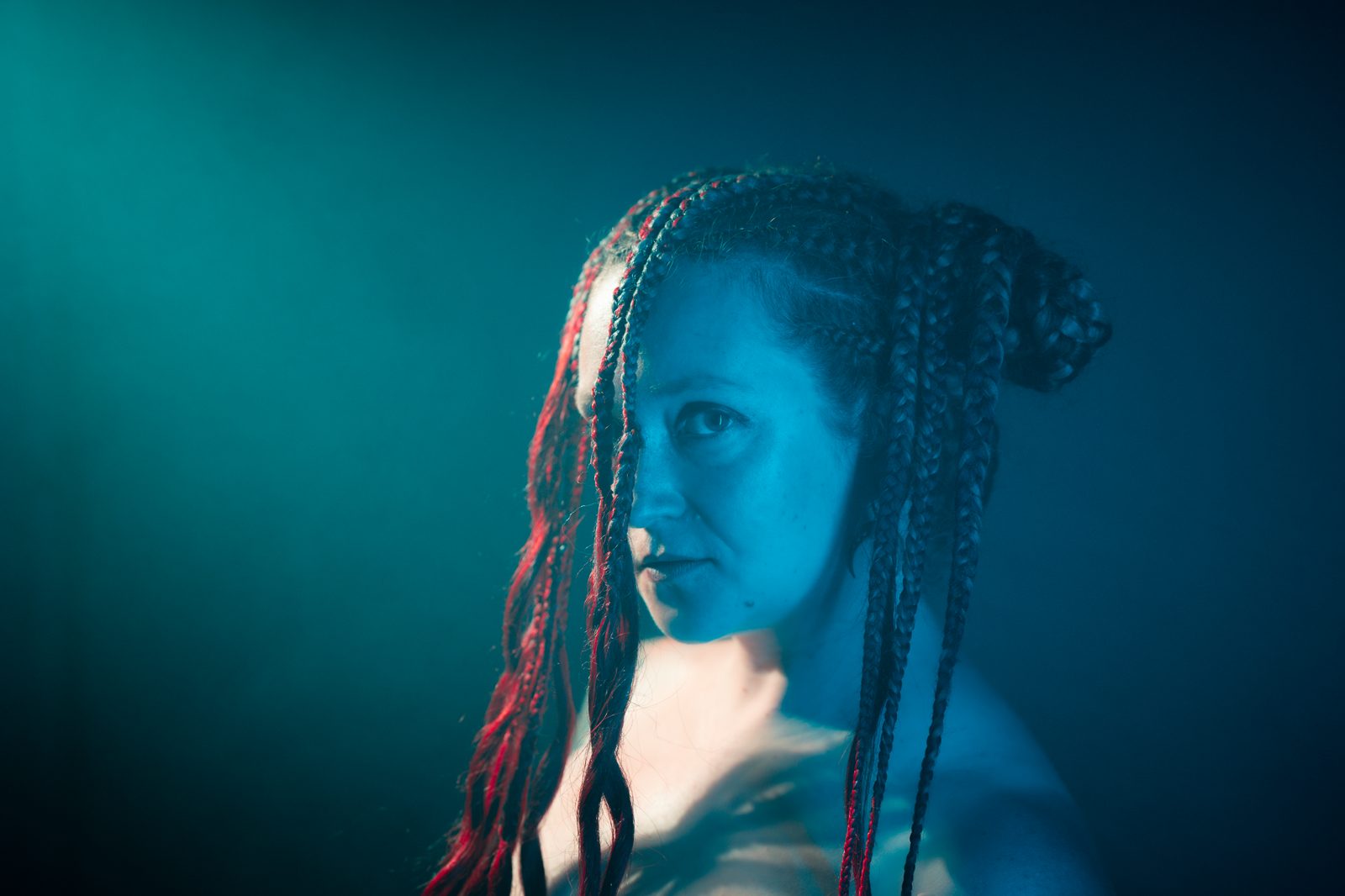
A shared moodboard opened by a model with no login
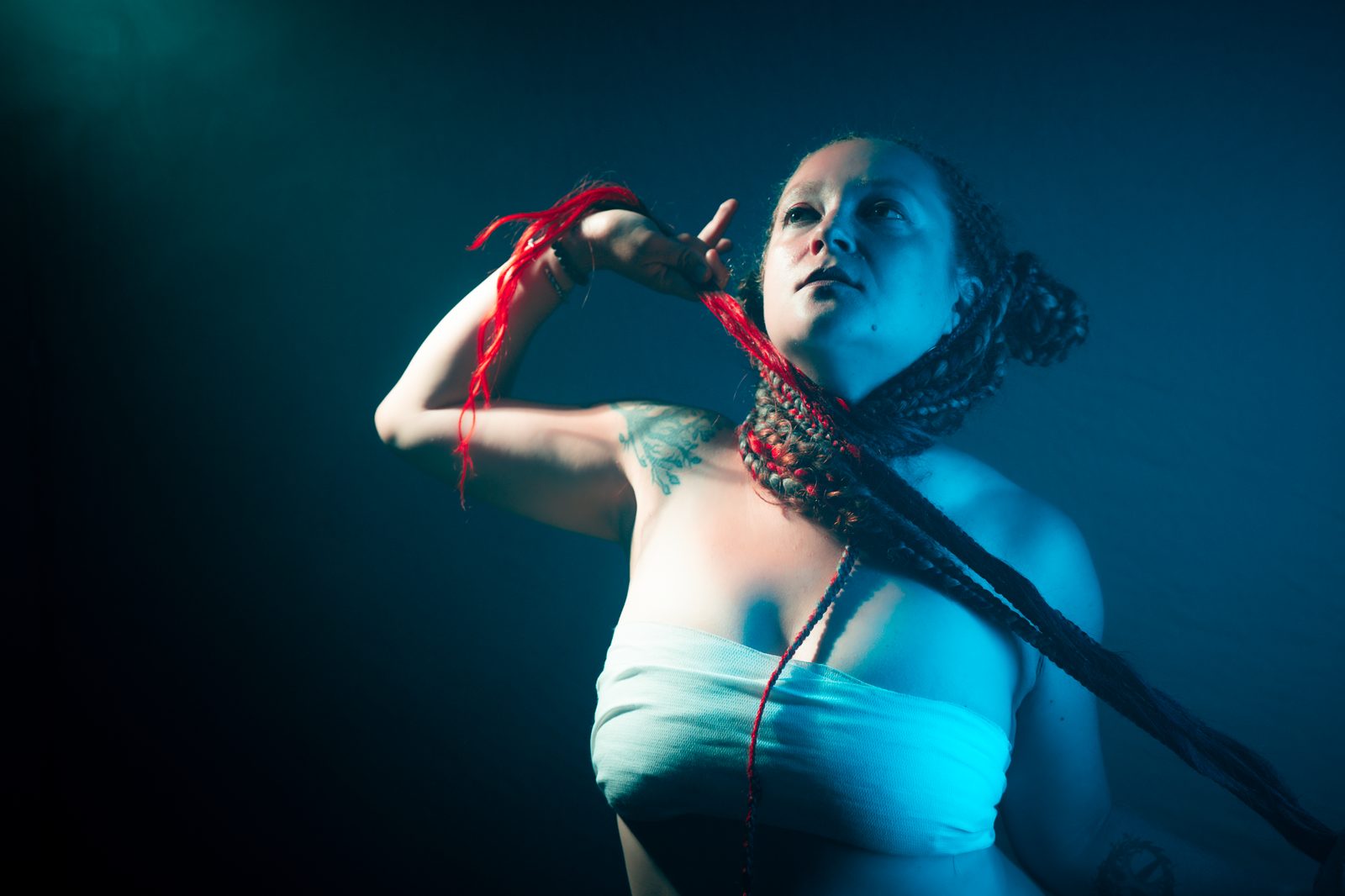
Reference added by a collaborator with no account
Client contributing to a shared board
Shared
01 — The share link

No login wall between them and the board

The people you shoot with don't run SaaS accounts. Send one link; they open it on their phone, see the exact direction, and start contributing — no "create an account first" screen slowing the booking down.

02 — Build it with AI

Build the board with Claude, then share it

Cobalt connects to Claude over MCP. Describe a shoot and it creates the board, sorts columns, pulls references and writes notes from one message — then you send the no-login link.


No-account sharing

One link —
nobody signs up.

Copy the share link and drop it in a DM, an email, or a text to your model. They open it in any browser and start adding — pose ideas, wardrobe refs, must-have shots. No passwords, no app install, no "make an account first" wall between them and your board.

One link, no accounts

Share the board with your model, client or crew. They open it on any device and start adding refs — nothing to download, no onboarding, no friction between them and the shoot.

Lock it when you need to

Password-protect a share link so a client pitch or reveal stays private. Add a custom welcome message — and the recipient still needs no account to open it.

Contributions are saved on the spot

When a model sends a pose or a client adds a must-have shot, it's saved to the board the moment they add it. Reopen or refresh the board to pull in everything that's landed since you last looked.


Who you share with

Everyone on the shoot,
no account required.

A shoot has a model, maybe a client, often a stylist or assistant. None of them want to sign up for your tools. Cobalt keeps them all on the same board with one link — viewing, and contributing, with no login.

Moodboard sent to a model with no login

Send it to the model

Text the link to a model you just booked. They open it, see the poses, wardrobe and mood you're going for, and add their own pose ideas back — all without making an account or downloading anything.

Client moodboard shared with no signup

Get sign-off from a client

Share a board of directions with a one-off client. They mark what they love and add must-have shots straight onto the canvas — no portal login, no back-and-forth email threads with attachments.

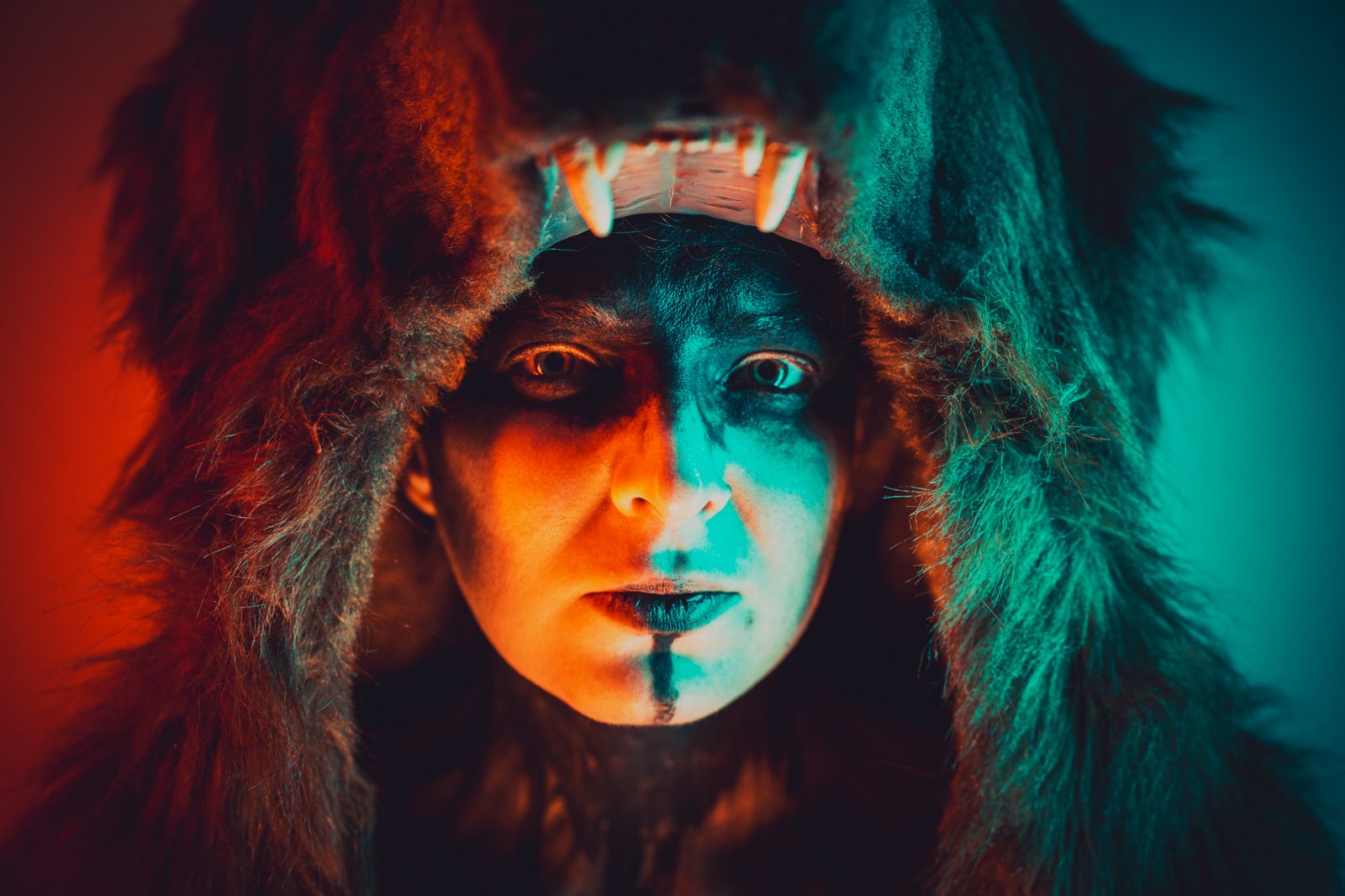
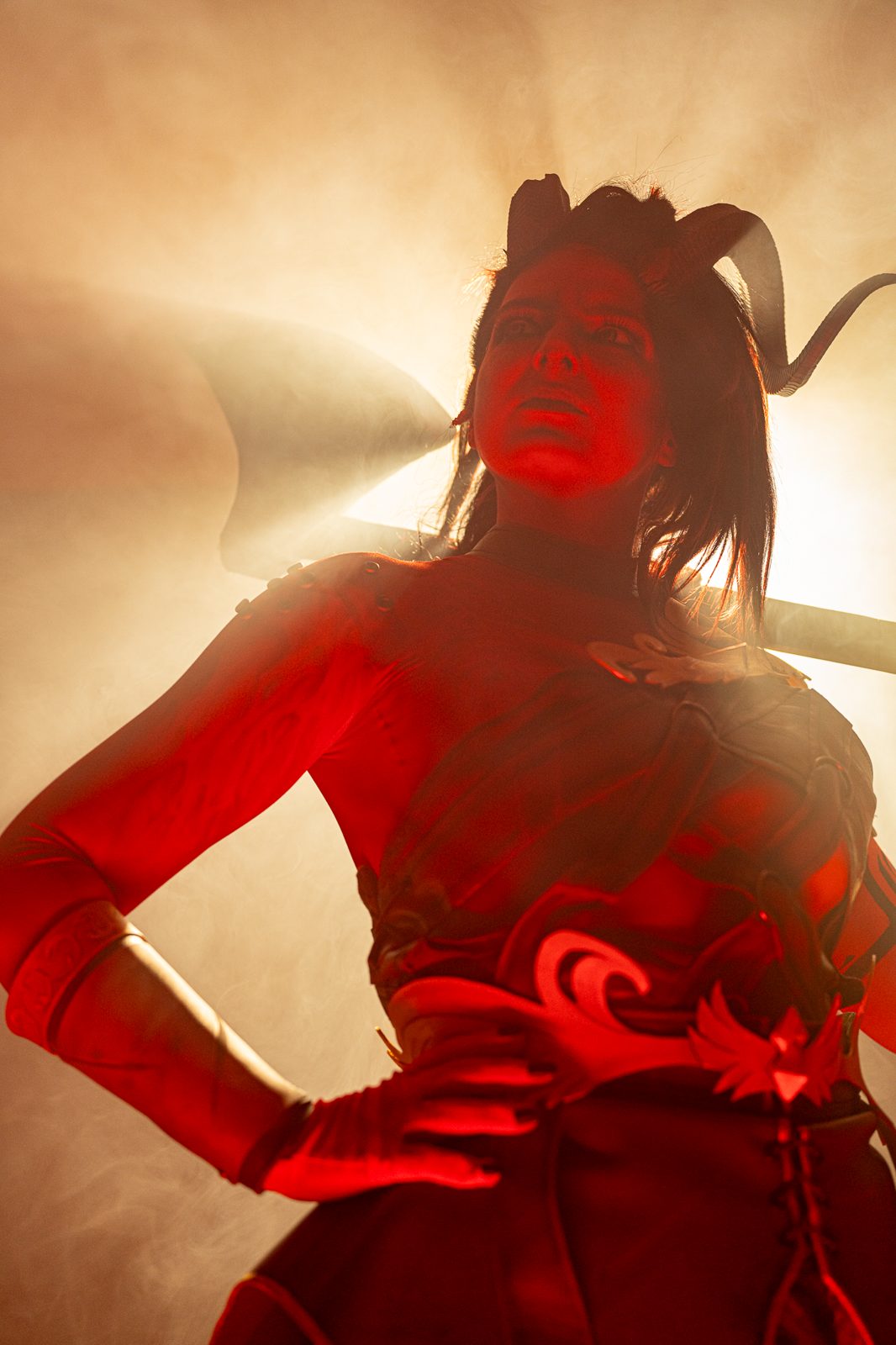
Reference board shared with a cosplayer

Plan with a cosplayer

Shooting a costume? Send the cosplayer a board of poses, lighting and locations. They drop in character refs and their own WIP shots with no sign-up, so you both arrive building toward the same set of images.

Crew shot list shared on one board

Brief the whole crew

Stylist, assistant, MUA — give everyone the same link. Each adds their slice: wardrobe pulls, prop ideas, makeup references. One board holds the full plan, with no accounts to chase down before the day.


Works with Claude · MCP

Build the board
with Claude first.

Cobalt exposes an MCP server — the open protocol AI assistants use to work with external tools (any MCP client — Claude, Codex, Cursor, Antigravity). Add your token in Settings, or connect via OAuth on claude.ai, and the assistant builds the moodboard by chat. Then you share the link.

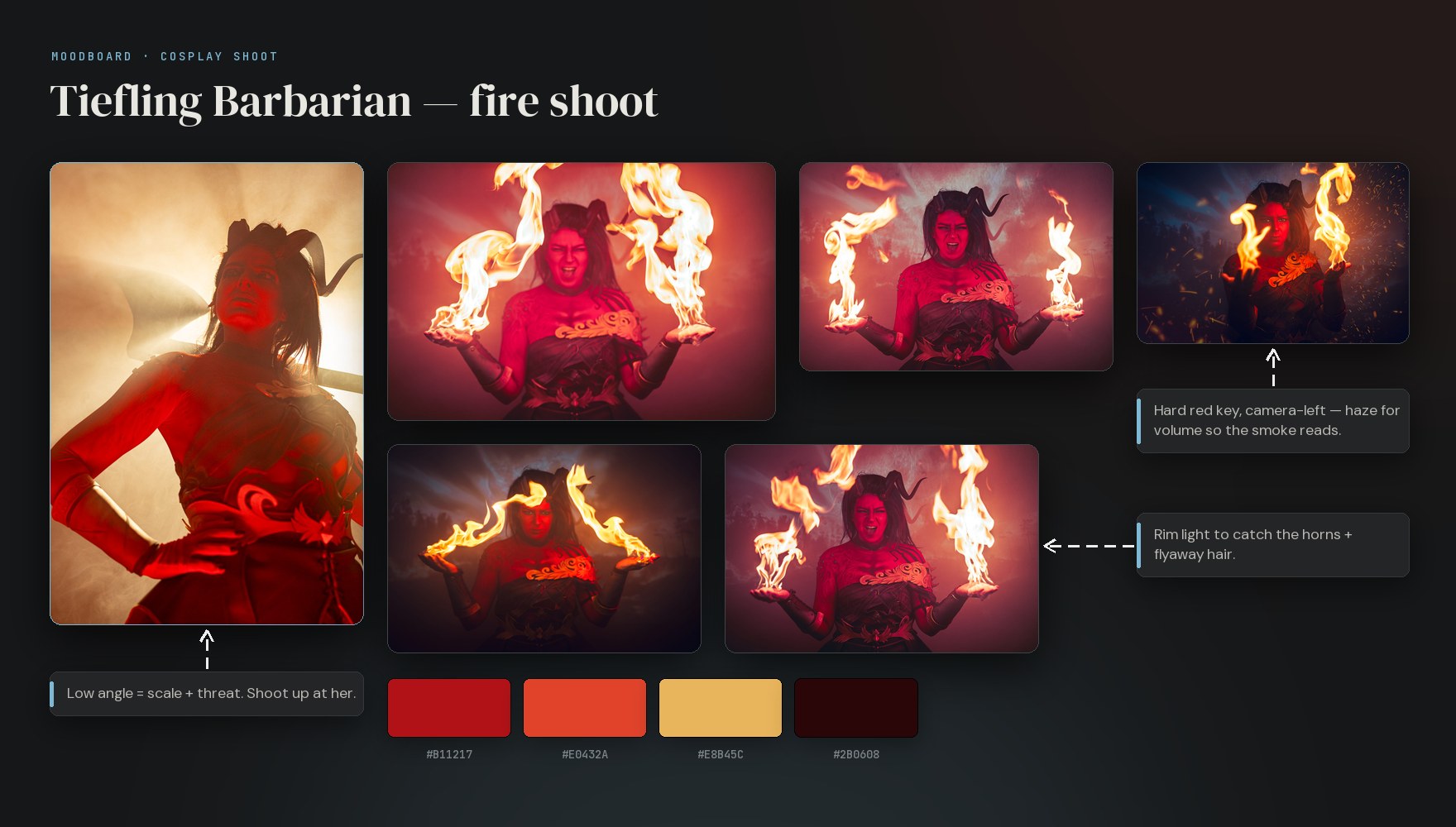
A moodboard built in Cobalt — reference photos, direction notes and a color palette — ready to share with one no-login link

Describe the shoot,
then send the link.

Tell the assistant: "Build a moodboard for an autumn portrait shoot — columns for poses, wardrobe and lighting, eight references, a note in each." It creates the board, sorts the columns, pulls references and writes the notes. Then you copy the share link and send it — no account needed on the other end.

It works across all your boards: full-text search your reference library, create boards and columns, add notes, links and images up to 25 MB, and move or rename cards — all from one conversation.

create_board create_column add_image create_element search move_element

Questions

No-login sharing FAQ.

Yes — that's the whole point. Copy the share link and send it to your model, client or crew. They open it in any browser and see the board immediately. No account, no password, no app install, no "create a free account first" wall. Only you, the board owner, need a Cobalt account.
Yes. Turn on contribute mode and anyone with the link can drop in images, paste reference URLs and add notes — straight from their phone, with no signup. So a model can send pose ideas, a client can add must-have shots, and your stylist can drop wardrobe references, all onto the same board.
Open the board, copy the share link, and paste it into a DM, email or text. They tap it and the board opens in their browser. There's nothing for them to download and no account to create — ideal for one-off clients and models you've just booked.
Yes. On paid plans you can password-protect a share link and add a custom welcome message, so a client pitch or a reveal stays private. The recipient still needs no account — just the password you give them.
Contributions are saved to your board the moment someone adds them — no re-sending, no email attachments. Cobalt isn't a live multiplayer canvas, so refresh or reopen the board to pull in what others have added since you last looked.
Cobalt is a fully hosted service at cobalt.photos — nothing to install or maintain. We handle uptime, backups and updates. The app is invite-only right now; request access and sign in at app.cobalt.photos.

Browser extension · Web clipper

Save refs as you browse.

The Cobalt web clipper (Chrome + Firefox) right-click-saves any image, link or text selection straight to a board — and keeps the source link for attribution. See the clipper →


Free once you're in · cobalt.photos

Build the board,
send one link.

Start a moodboard, then share it with your model, client and crew — no sign-up required on their end. Cobalt is invite-only today; request access to get started.