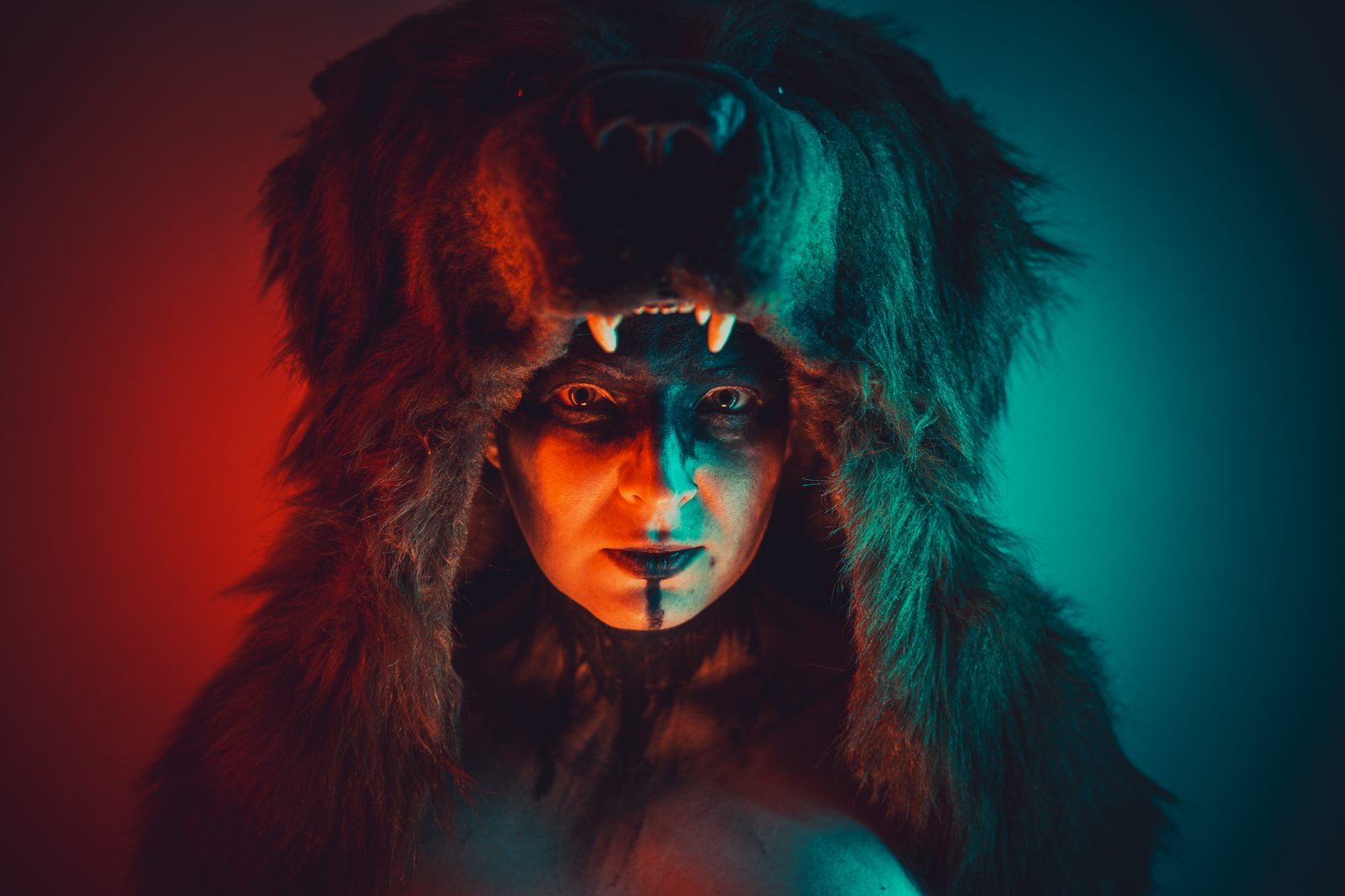
Cosplay reference boards

Every reference
for the build,
on one board.

Pull character art, fabric and trim, armor builds, wig styling and FX makeup onto a single board — then share one link. Your commissioner, photographer or cosplay group opens it and adds their own refs with no account, no app, no sign-up.

Free plan  ·  200 MB  ·  No credit card

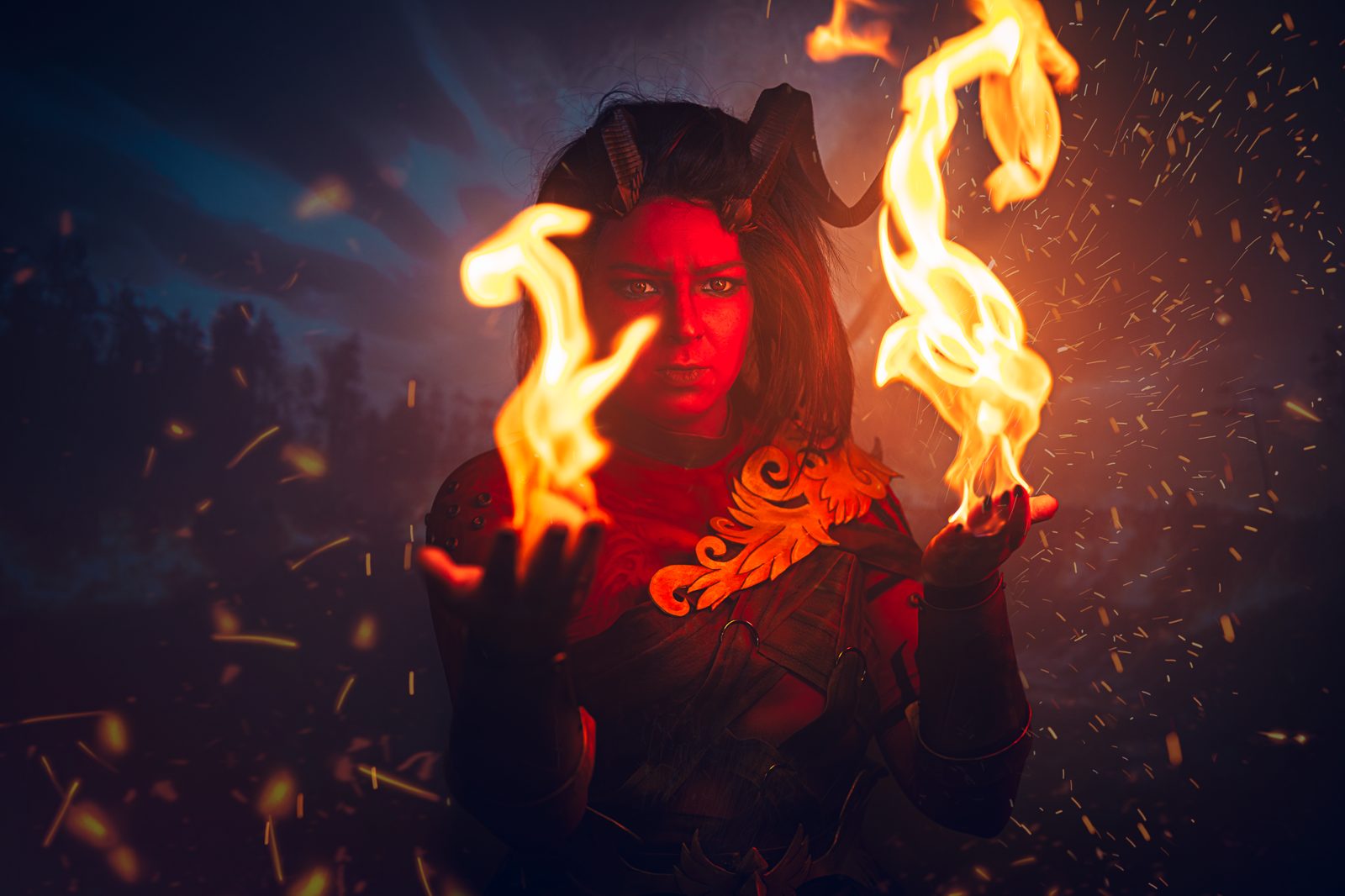
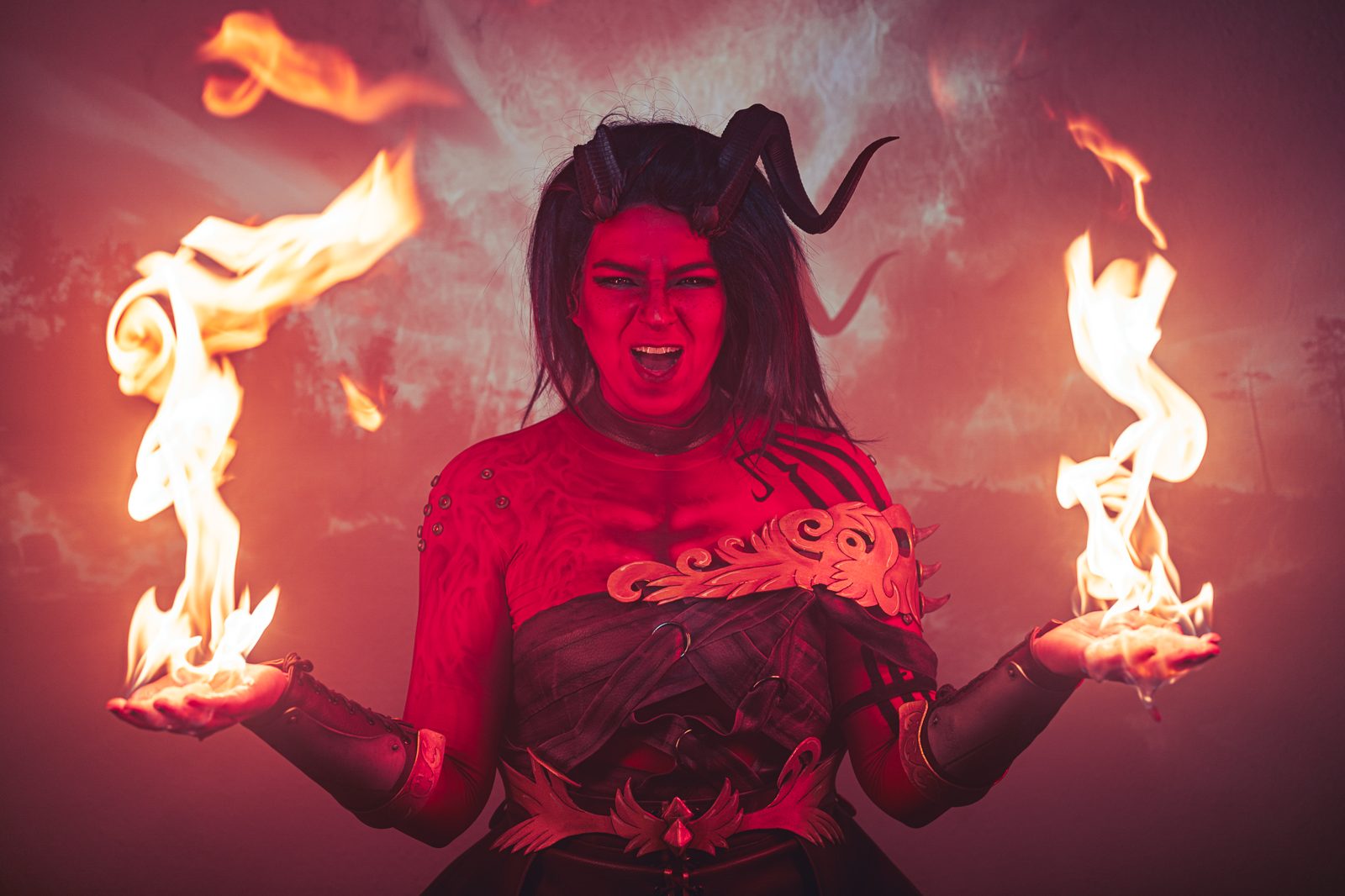
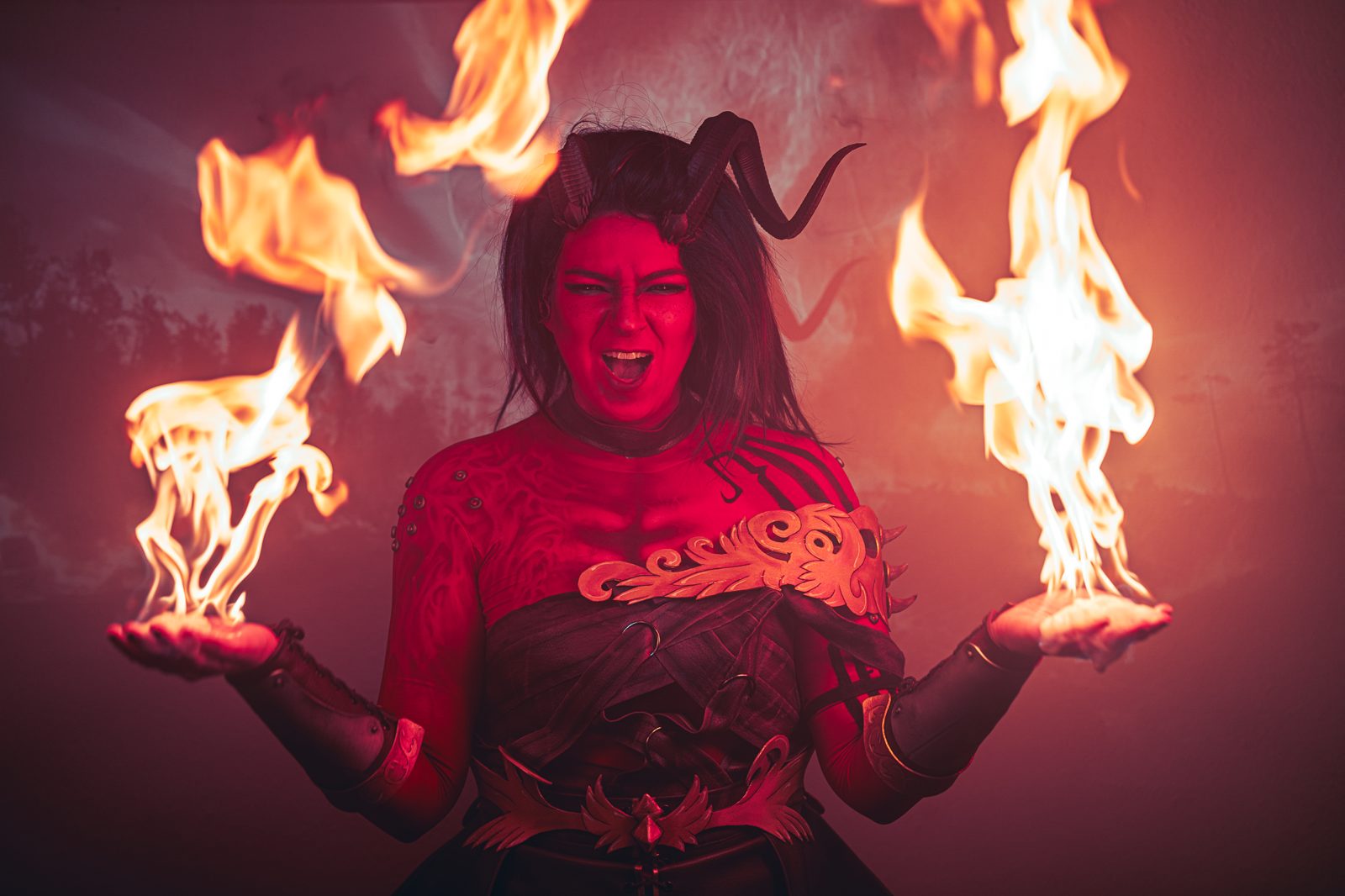
Tiefling cosplay reference on a Cobalt board
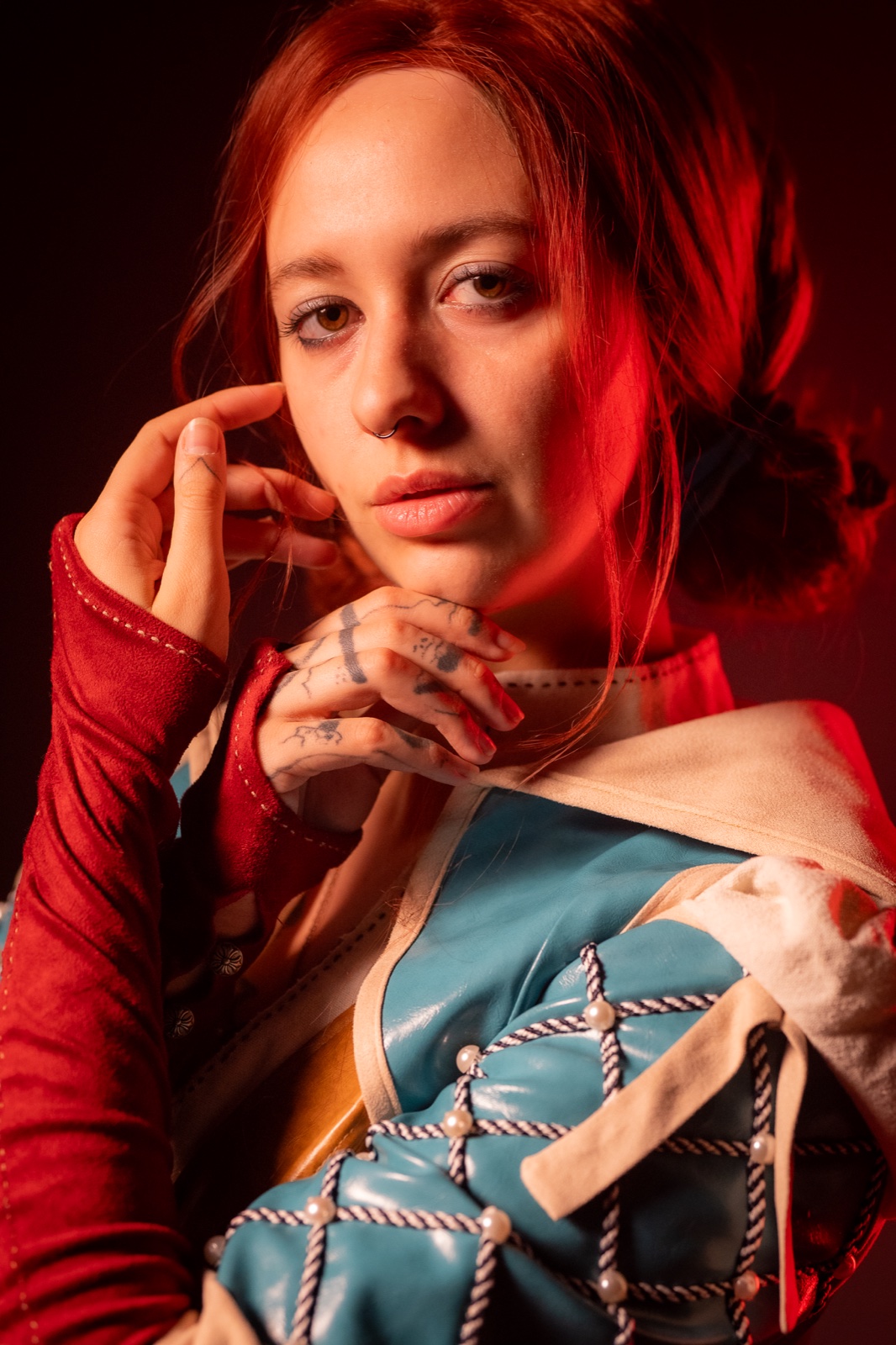
Witcher armor cosplay reference
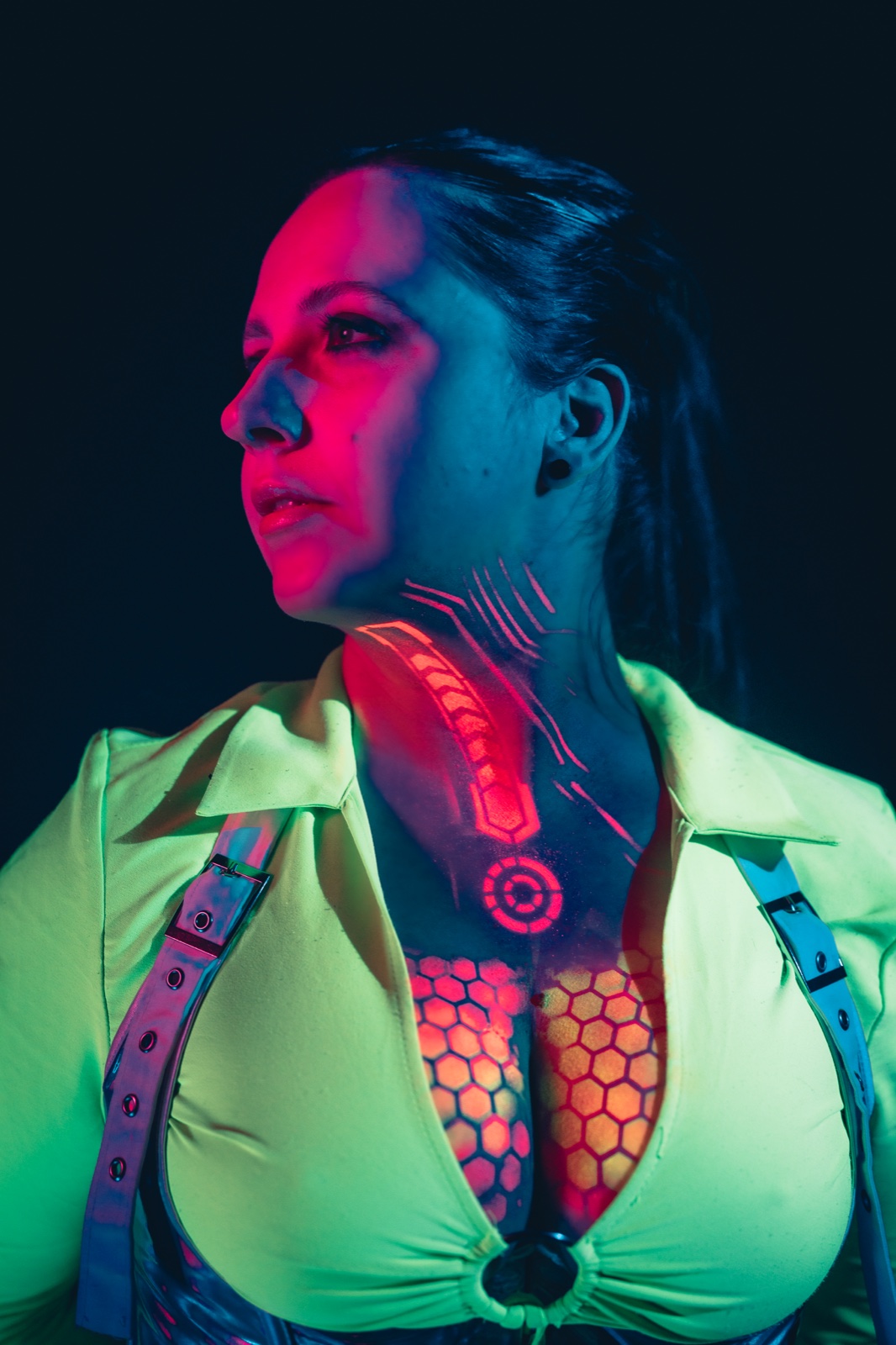
Cyberpunk cosplay reference
Live
01 — The share link

No login wall for your commissioner or photographer

The people you build and shoot with don't run SaaS accounts. Send one link; they open it on their phone, see the exact character direction, and drop in fabric swatches, pose ideas or screenshots of their own — no sign-up between them and your board.

02 — Build it with AI

Describe the character, let Claude build the board

Cobalt connects to Claude over MCP. Name the character and the build plan, and Claude creates the board, sorts columns by component — armor, wig, makeup, props — pulls reference images, and writes build notes from a single message.


No-account sharing

Share the references.
Nobody signs up.

Copy the share link and drop it in a Discord DM, a commission thread, or a message to your photographer. They open it in any browser and start adding — fabric refs, weathering examples, pose inspo. No passwords, no app install, no "make an account first" wall slowing the build down.

One link, no accounts

Share the board with your commissioner, photographer or cosplay group. They open it on any device and start adding refs — nothing to download, no onboarding, no friction.

Keep the reveal private

Password-protect a board so a costume reveal or commissioned build stays hidden until you are ready. Add a custom welcome message — still no account needed to open it.

WIP updates land live

Track your build as it grows. Add progress photos as you sew, paint and weather — and watch references from collaborators appear on the canvas in real time.


Built for cosplay

A board for every
stage of the build.

Cosplay is research, then construction, then the shoot. Cobalt holds the whole arc — from the first reference dump to the final reveal — and keeps everyone who helps in the loop without a single login.

Witcher armor cosplay reference board

Character reference sheets

Gather every canon reference for the character — official art, screenshots, figure photos, fan interpretations — in one place. Lay out armor, weapon, wig and color details column by column so nothing gets missed mid-build.

WIP cosplay progress board

WIP progress boards

Document the build as it happens — pattern drafts, foam cuts, paint tests, weathering passes. Share the WIP link so your commissioner or group can follow along and weigh in before the next step.

Commission reference board

Commission briefs

Building for a client, or commissioning a piece yourself? Share a board with fabric, trim and finish references. Both sides add to it with no account — so the brief is crystal clear before any glue is laid.

Cosplay photoshoot planning board

Shoot planning with your photographer

Send your photographer a board of poses, lighting moods and location ideas. They contribute their own shot list with no sign-up, so you both arrive on the day building toward the same set of images.


AI-native · MCP integration

Connect Claude
to your build boards.

Cobalt exposes an MCP server — the open protocol Claude uses to work with external tools. Add your token in Settings, or connect via OAuth on claude.ai, and Claude can build, populate and reorganize your reference boards by chat.

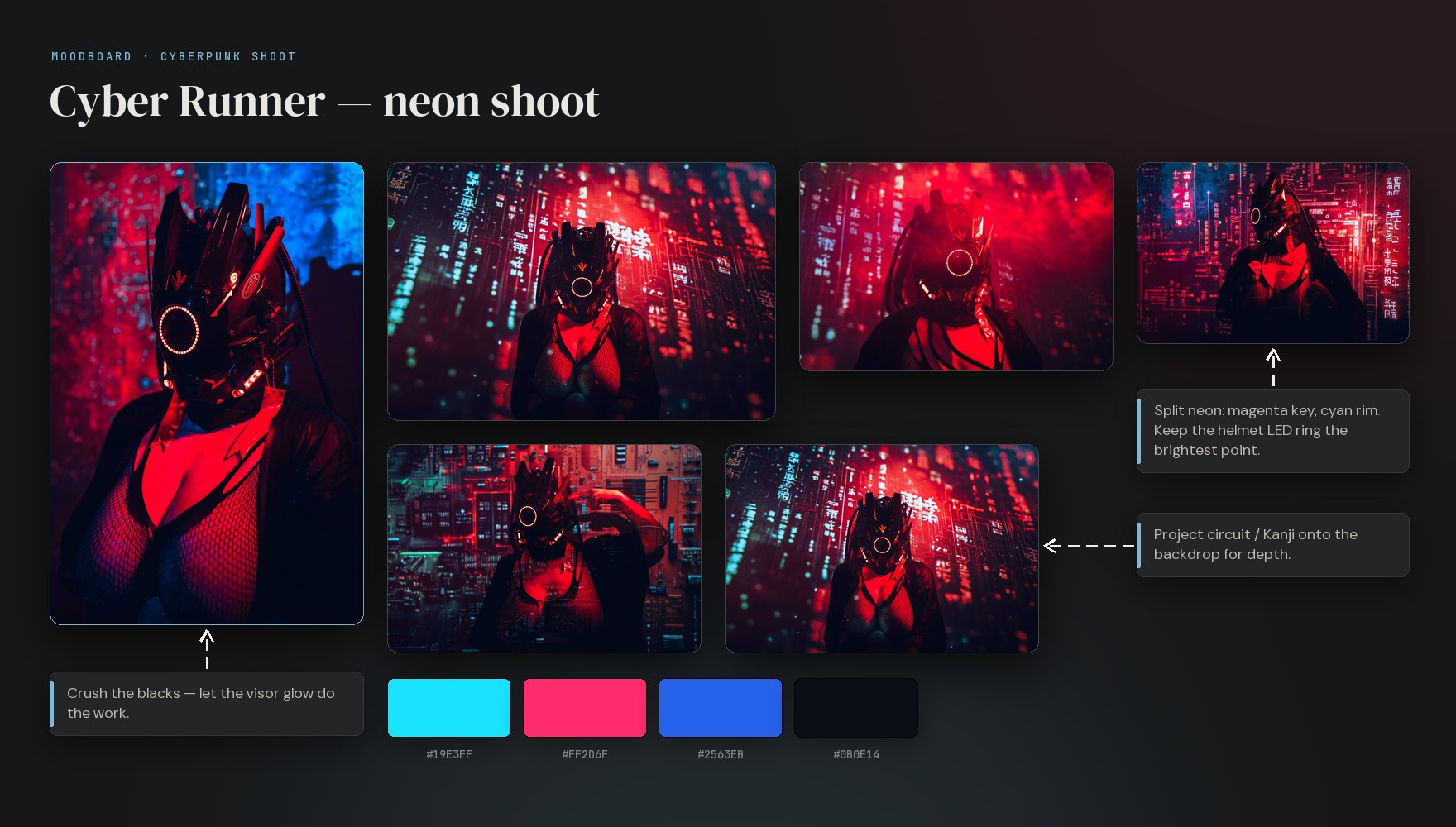
A cosplay reference board built in Cobalt — reference photos, build notes, connector arrows and a colour palette, generated from a single chat with Claude

Name the character.
Get a build board.

Tell Claude: "Build a reference board for a neon cyberpunk cosplay — columns for armor, wig, makeup and props, eight reference images, a build note in each." It creates the board, sorts the columns, pulls references from the web, and writes the notes. Then you share the link.

It works across all your boards: full-text search your reference library, create boards and columns, add notes, links and images up to 25 MB, and move or rename cards — all from one conversation.

create_board create_column add_image create_element search move_element

Questions

Cosplay FAQ.

No. Anyone with the share link opens your board in any browser and can view it — and add to it, if you allow it — without an account, a sign-in, or an app install. Only you, the board owner, need a Cobalt account.
Yes. Turn on contribute mode and anyone with the link can drop in images, paste reference URLs, and add notes — from their phone. Perfect for a photographer adding pose ideas, or a commissioner sending fabric and trim references for your WIP board.
Yes. On paid plans you can password-protect a share link and add a custom welcome message, so a costume reveal or commissioned build stays private while still needing no account to open.
Character art and screenshots, fabric and trim references, armor and prop builds, wig styling, FX makeup looks, weathering and paint tests, plus your own WIP progress photos — laid out on a free canvas or in columns. Add notes, links, color swatches and to-dos, with images up to 25 MB each.
Yes. Cobalt exposes an MCP server, so you can connect Claude to your boards. Describe the character and the build, and Claude can create the board, organize columns by component — armor, wig, makeup, props — pull reference images from the web, and write build notes from a single message.
Cobalt is a fully hosted service at cobalt.photos — nothing to install or maintain. We handle uptime, backups and updates. The app is invite-only right now; request access and sign in at app.cobalt.photos.

Free to start · cobalt.photos

Build the character.
Share the vision.

Start your first cosplay reference board, then share it with your commissioner, photographer and group — no sign-up required on their end. Cobalt is invite-only today; request access to get started.